Rhythm-game history / Historical analysis
Taiko no Tatsujin: drumhead and rim as inputs
Taiko no Tatsujin turns strikes on a drum's head and rim into rhythm inputs. The familiar action of drumming maps to signals on screen, while songs and characters give players a setting for repeated performances.
Article summary
- Basic cues correspond to the drum head and rim.
- Connect head and rim strikes to the game's judgment rules.
- Read current home and PC screenshots separately from the original.
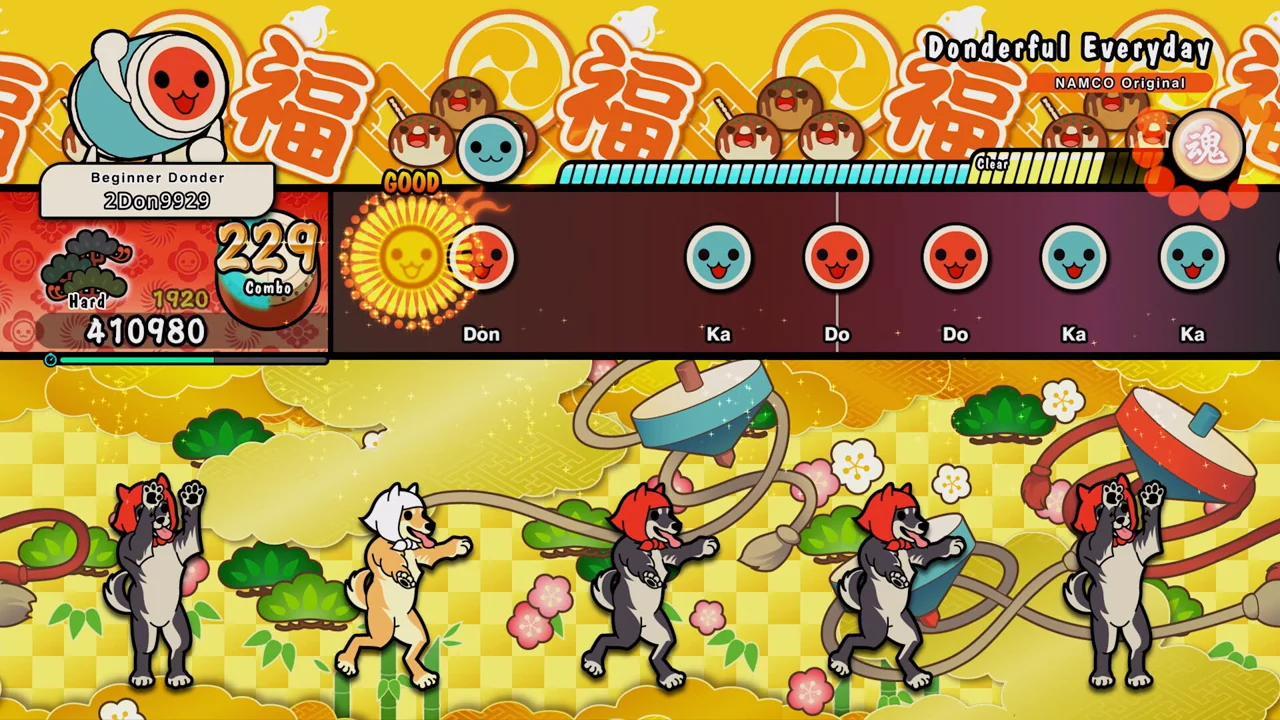
Taiko no Tatsujin: Rhythm Festival · Official PC screenshot
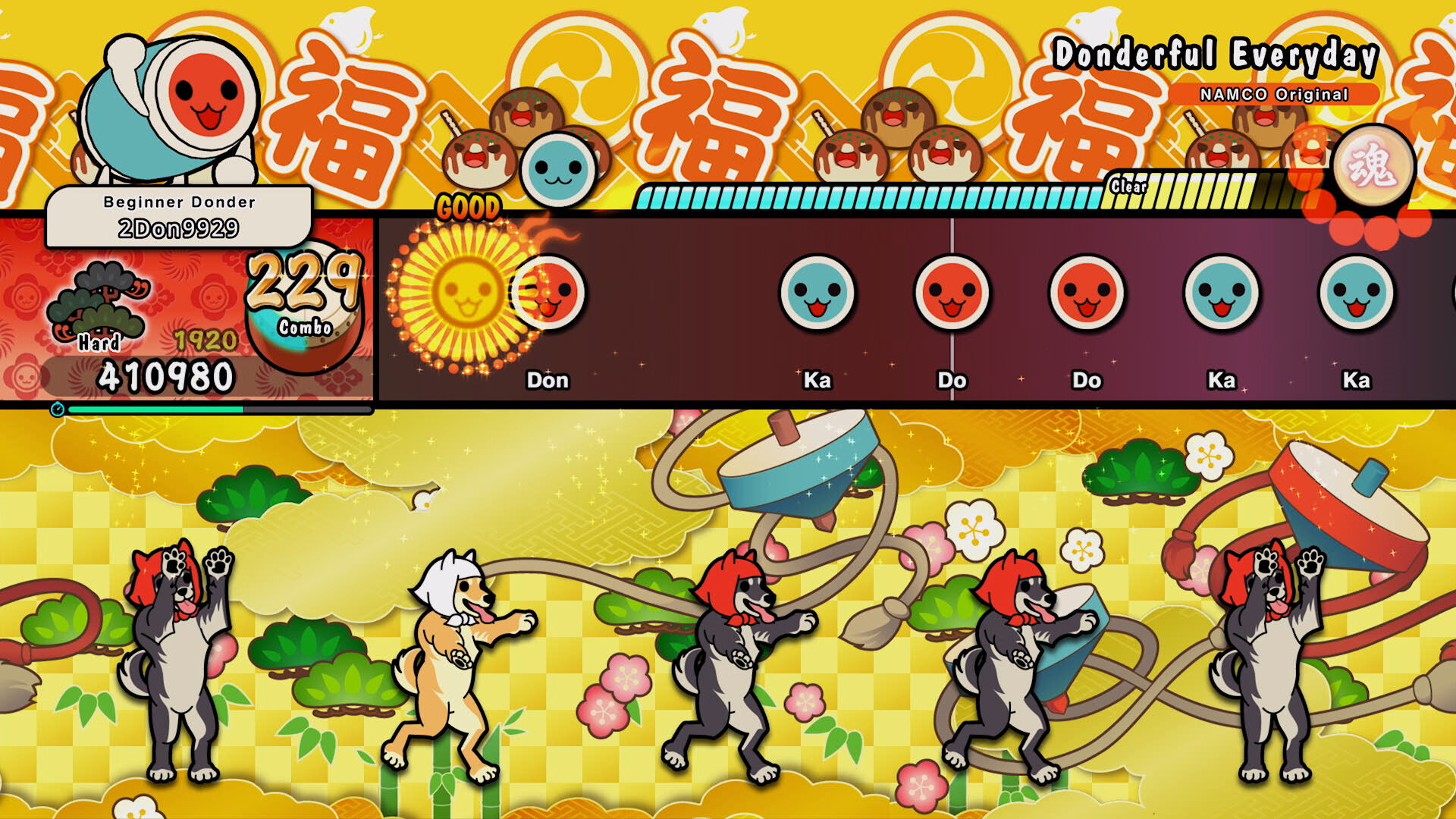
A later Taiko no Tatsujin: Rhythm Festival gameplay screen. Red and blue notes correspond to the drum head and rim and approach the judgment position in the upper lane.
Image credit: Bandai Namco Entertainment / Steam · Source page ↗ · Original image ↗
Basic controls
- Read approaching notes' colors and types.
- Use the input corresponding to the drum head or rim at the judgment position.
- Arcade drums, dedicated controllers and PC buttons differ physically.
Basic signals for head and rim
Basic red notes ask for the drumhead; blue notes ask for the rim. Players switch striking positions within the rhythm. Those physical actions feed into the game's separately defined timing rules.
The 2001 arcade debut
BANDAI NAMCO's 20th-anniversary interview describes the 2001 arcade debut and Japanese-drum motif. NAMCO's contemporary release notice also dates to that year. Because exact dates differ between the two official documents, this series records 2001.
Controls and features at a glance
| Element | What the player does | Play characteristic |
|---|---|---|
| Basic red note | Input corresponding to the drum head | Distinguish striking positions |
| Basic blue note | Input corresponding to the drum rim | Switch movement within the same rhythm |
| Performance presentation | Characters, backgrounds and result reactions | Add energy to repeated performance |
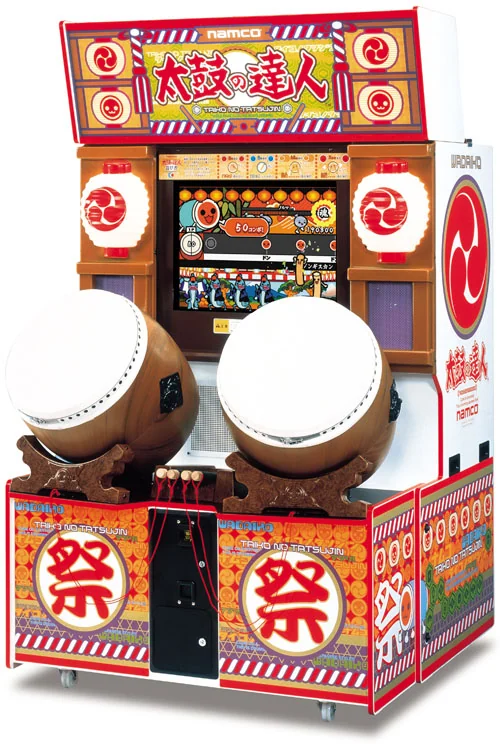
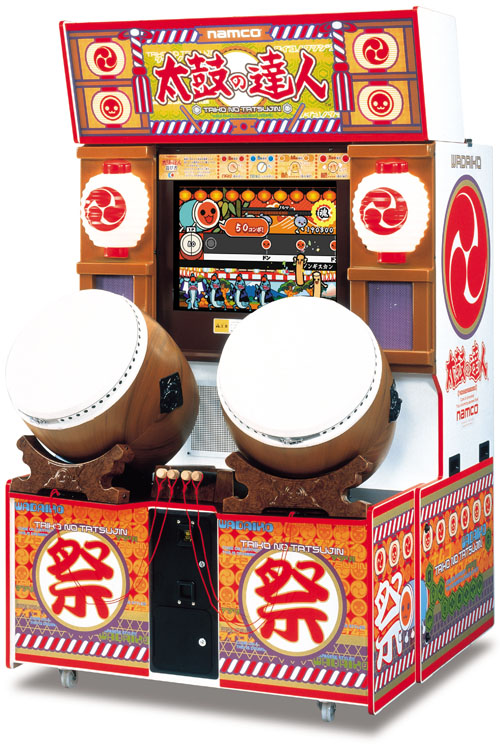
Taiko no Tatsujin · Early arcade-cabinet photo
An arcade cabinet with two large drums and a screen, providing context for physically striking the head and rim.
Image credit: Bandai Namco Amusement · Source page ↗ · Original image ↗
The role of songs and characters
The drum makes the controller's use readily apparent. Songs and characters help give players a performance to choose and a reason to try again. Familiar controls and motivation to replay are distinct parts of that design.
Dedicated drums and home-version screens
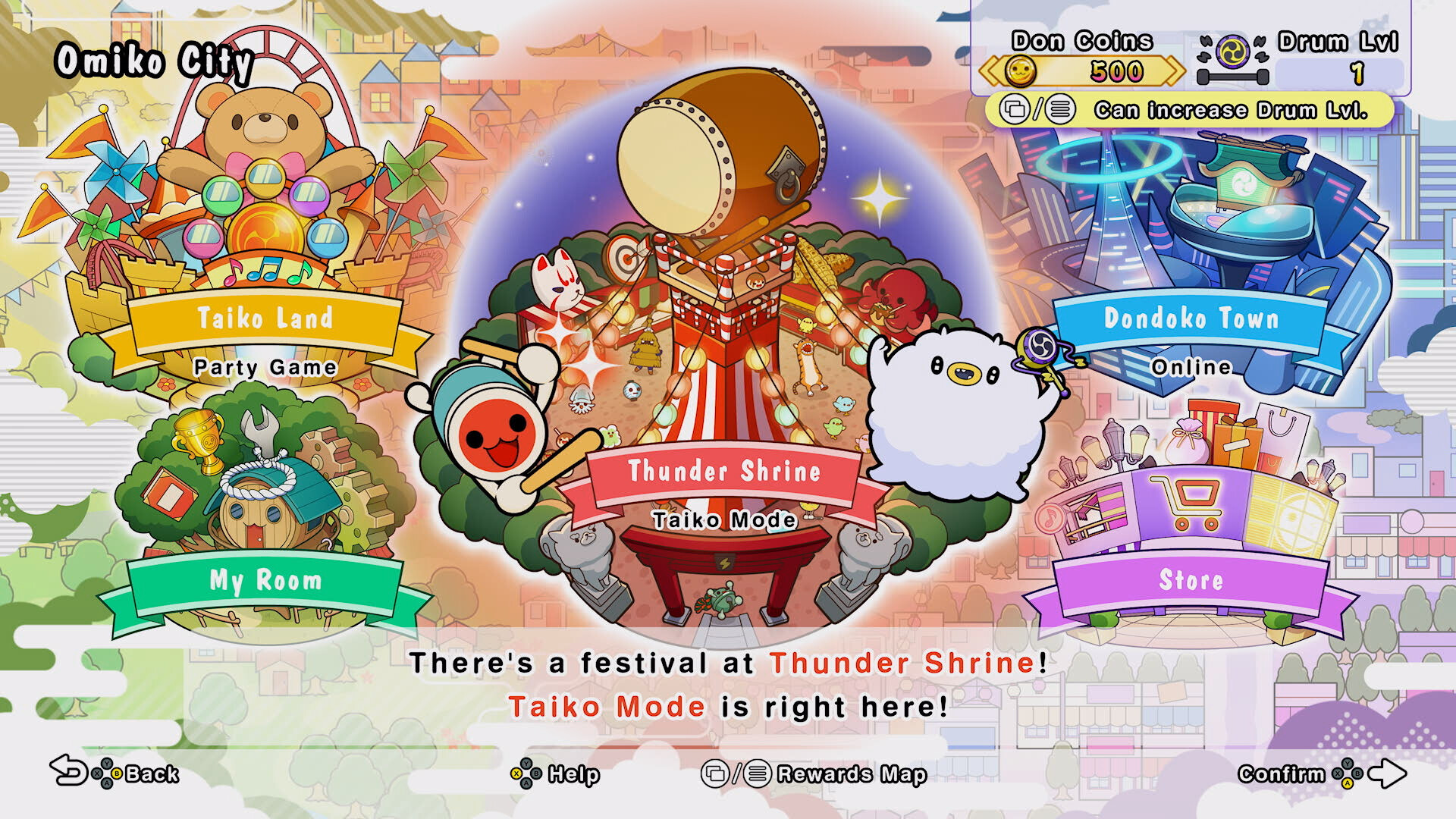
The early cabinet photo places two drums alongside a screen. Rhythm Festival's menu shows the current flow of song selection and moving to the next performance. Controller form and menu information come from different periods.
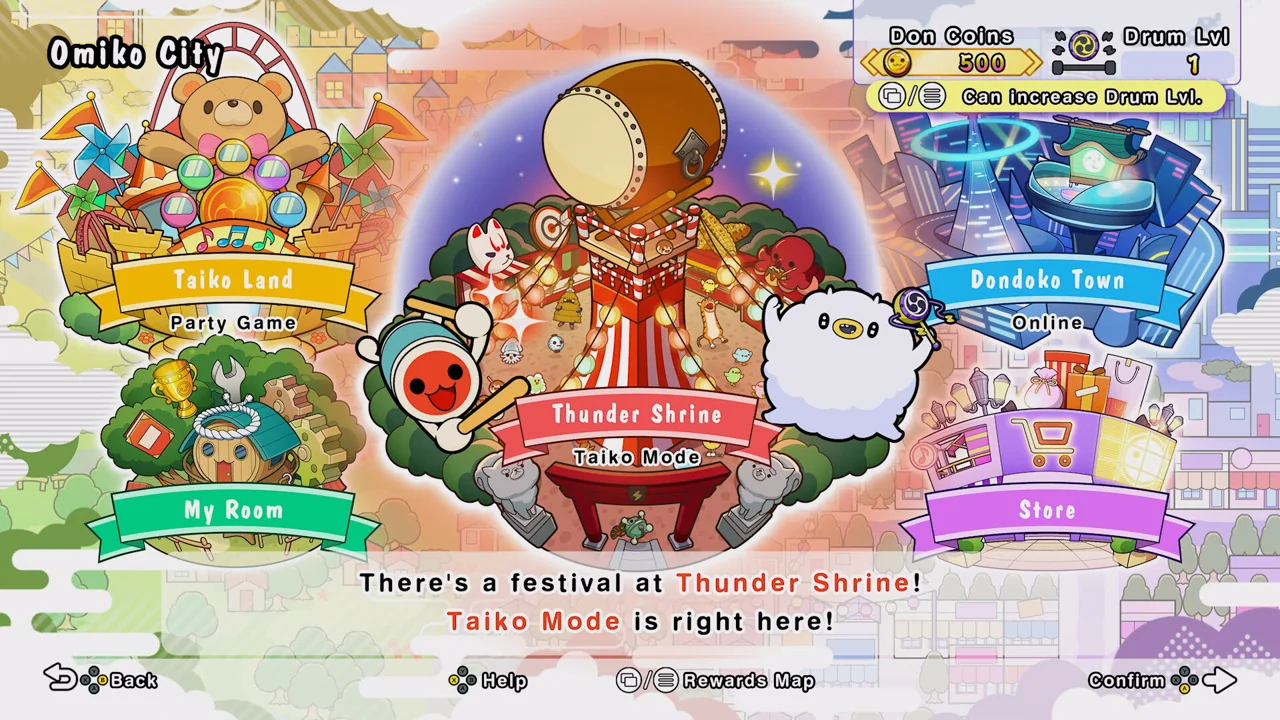
Taiko no Tatsujin: Rhythm Festival · PC menu
The current PC version's selection and navigation screen, showing preparation and choice before play.
Image credit: Bandai Namco Entertainment · Source page ↗ · Original image ↗
Impact response and note readability
An immediate response shows the connection between a strike and its result. A large impact effect may also cover the next signal and shorten preparation time. Even with familiar drum controls, assess input cues and reward effects separately.
Sources & scope
The official interview and contemporary release notice were compared to explain the series' beginning and basic drumming controls. Cabinet photos and current-version screenshots identify their respective versions.