Rhythm-game history / Historical analysis
Rez: aiming and firing through sound, light and vibration
Rez makes the results of aiming and attacking part of its music, visuals and vibration. Each action contributes to the audiovisual rhythm, offering a different structure from following a fixed note chart.
Article summary
- Aiming and attacking are the central actions, distinct from a conventional lane chart.
- Action results connect to rhythms of sound, light and vibration.
- Images in this article are from the later Rez Infinite.
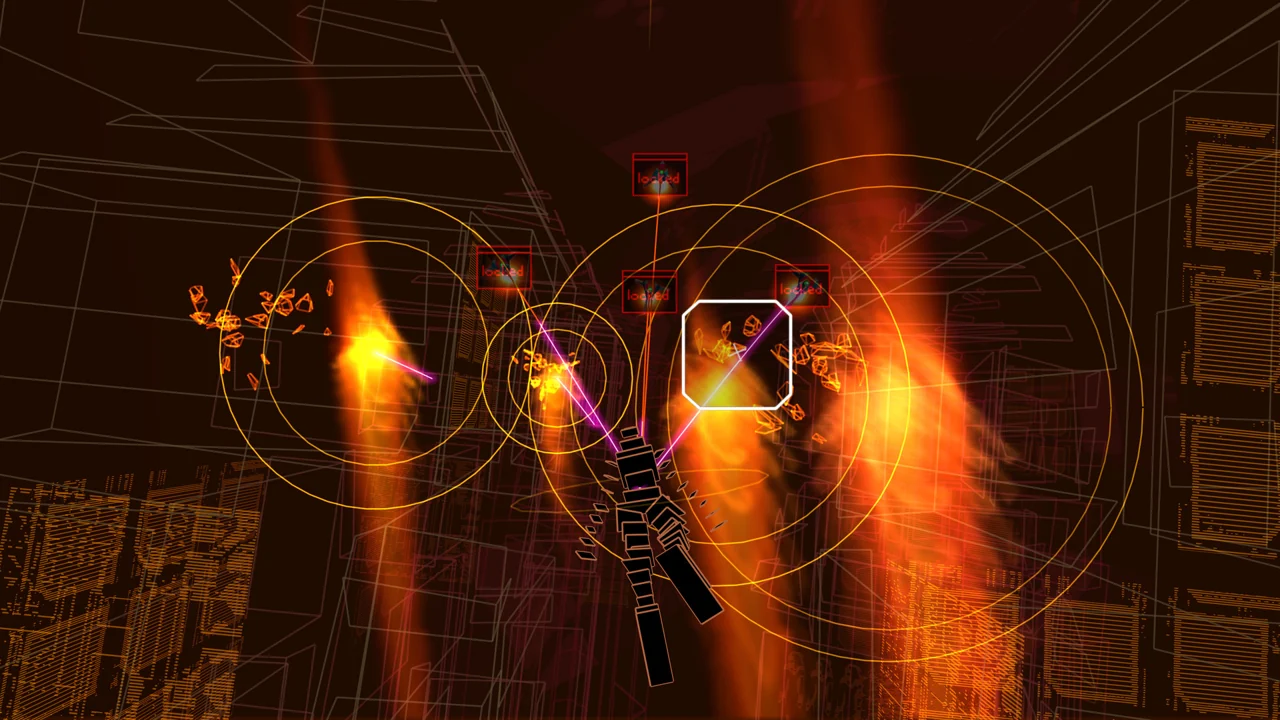
Rez Infinite · Official PC screenshot
Gameplay from the later Rez Infinite. Targeting markers and wireframe space are visible, with aiming and attacks leading into musical and visual responses.
Image credit: Enhance / Steam · Source page ↗ · Original image ↗
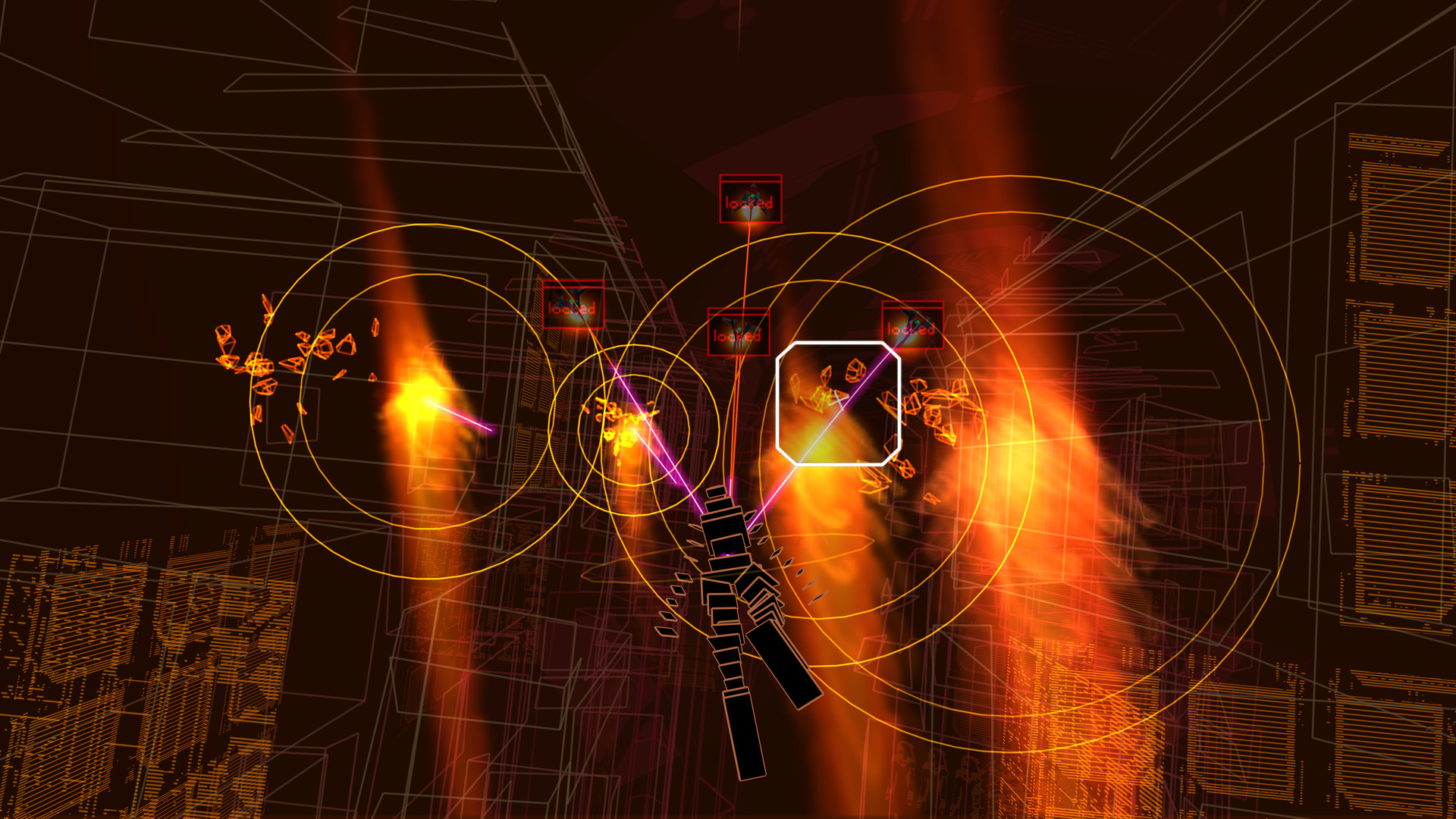
Basic controls
- Aim at targets in view.
- Lock onto targets and attack.
- Observe how attack results connect to changes in sound and visuals.
Results of aiming and attacking
Players aim at objects in space and attack them. The resulting sound and visuals fold those actions into the rhythm. This offers a contrast with using a completed recording solely as background music.
The 2001 original and a creator's retrospective
In his PlayStation article, Tetsuya Mizuguchi recalls developing Rez with a SEGA team in 2001. His account of linking visuals, sound and vibration sits alongside a description of the later Rez Infinite. The article distinguishes the original's intent from the successor's VR presentation.
Controls and features at a glance
| Element | What the player does | Play characteristic |
|---|---|---|
| Select target | Aim at enemies in space | Decisions about position |
| Attack | Results occur in response to action | Link sound and visual responses |
| Presentation | Lines, colors and music change together | Shape the atmosphere of play |
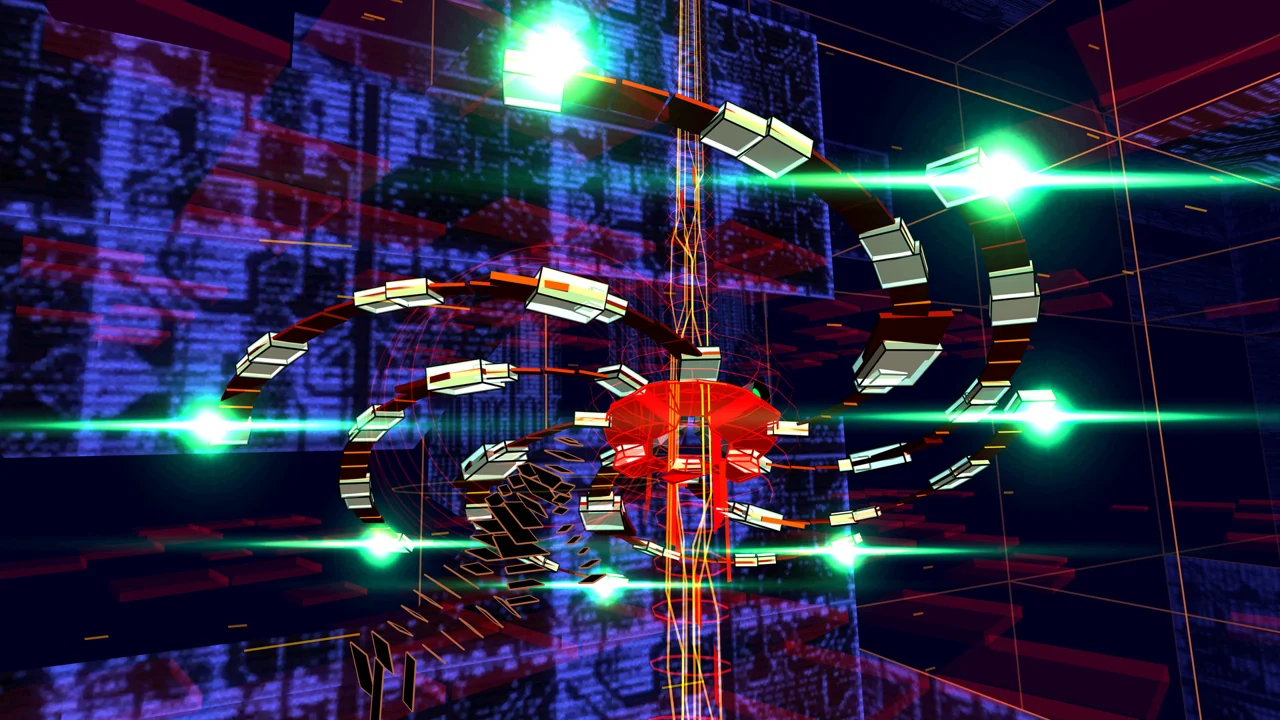
Rez Infinite · Official PC gameplay screenshot
Actual gameplay from the later Rez Infinite. Aiming and attacking continue through a space formed by lines and colors.
Image credit: Enhance · Resonair · Source page ↗ · Original image ↗
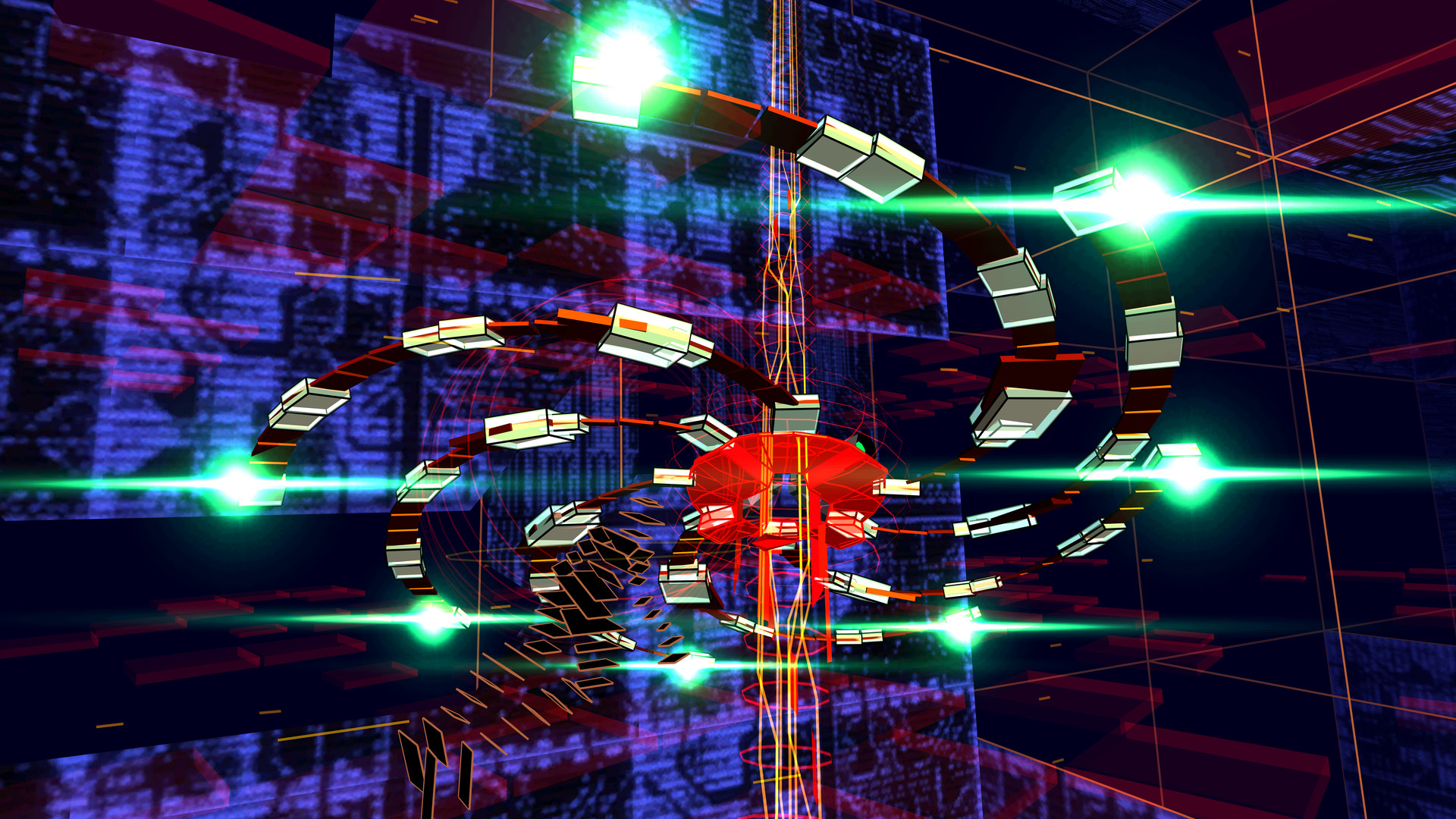
Lines and space in Infinite
Infinite depicts targets and space through lines and color. Aiming and attacking produce sound and light within the music. Compare this with lane-based cues to examine different ways player actions can contribute to a musical experience.
Essential information and sensory effects
Synchronized sound, light and vibration need defined roles as well as intensity. Separate responses that explain an input from those that build atmosphere, then identify what needs to remain clear when effects are reduced.
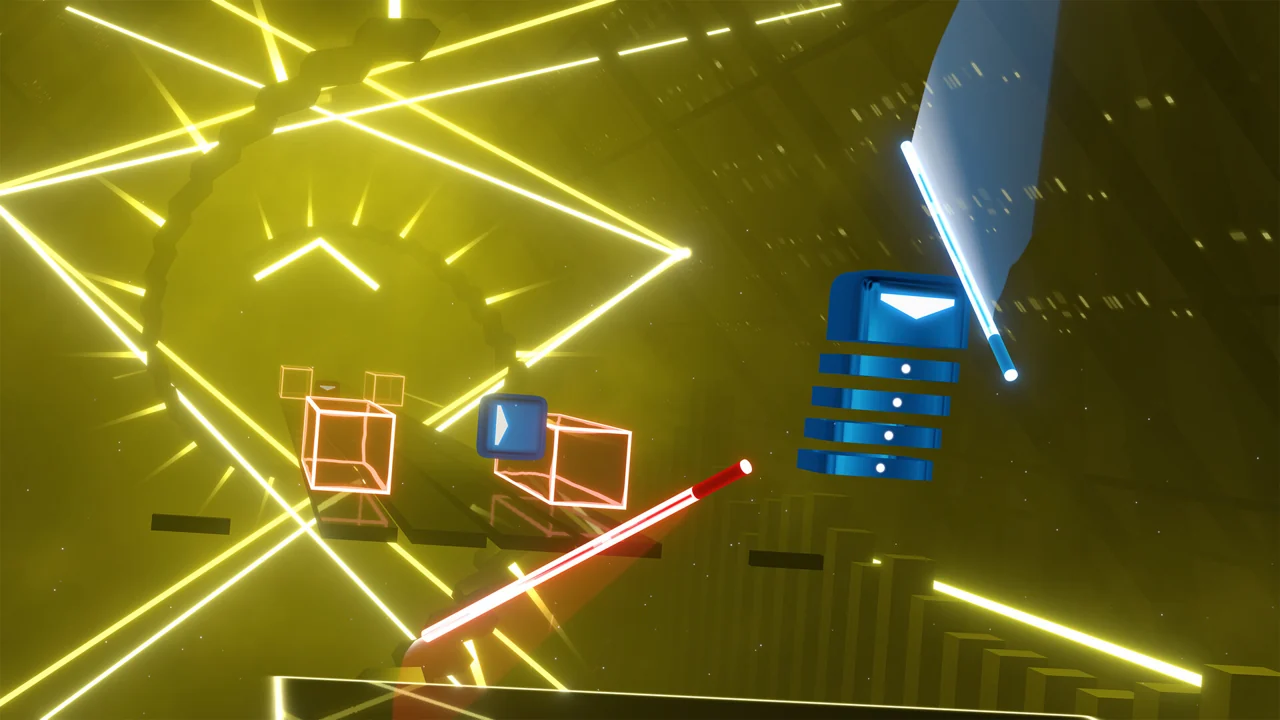
Beat Saber · Official PC promotional screenshot
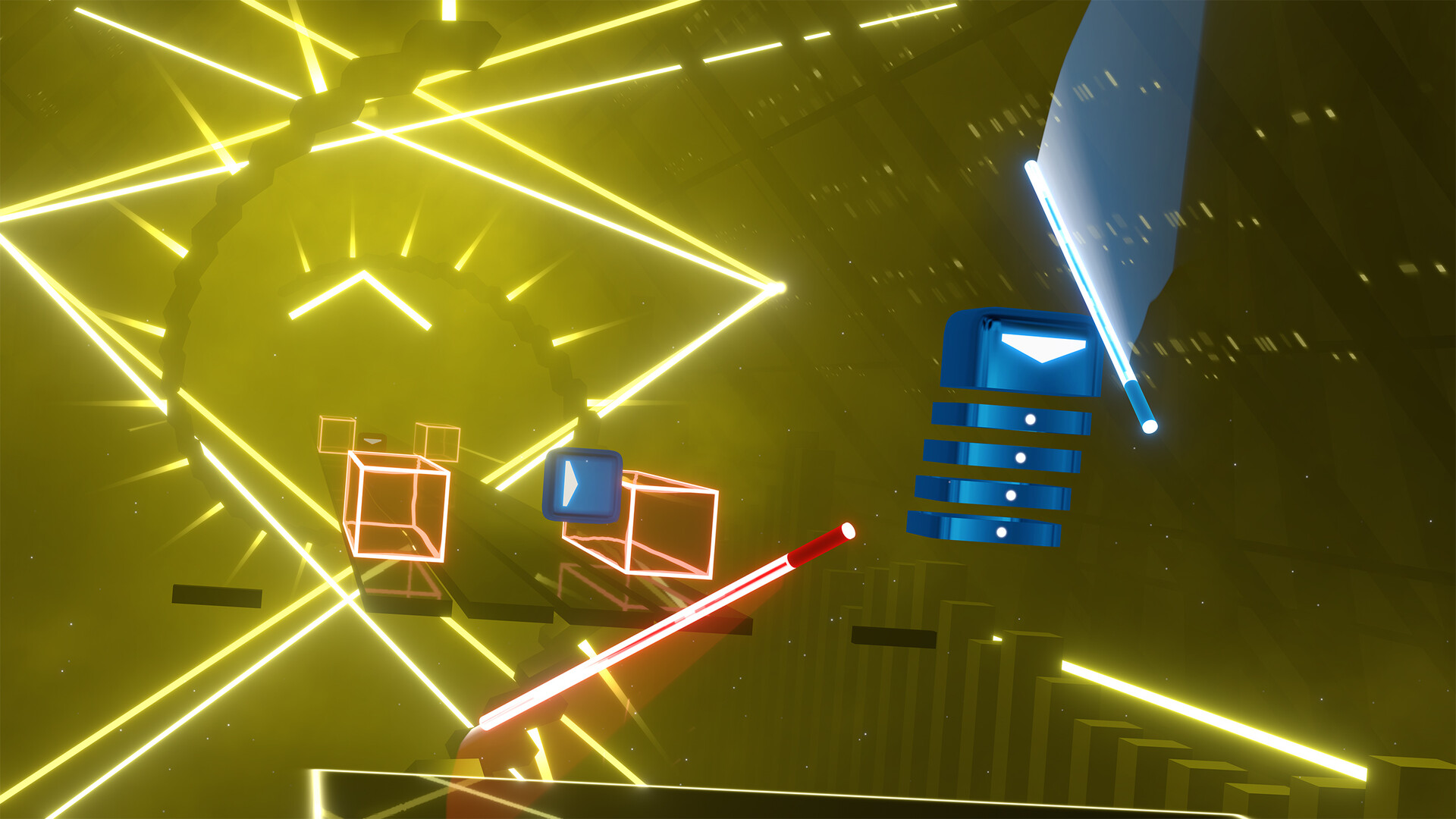
An official Beat Saber PC gameplay screenshot. Players read approaching blocks' colors and arrows, then swing the corresponding hand's saber in the specified direction.
Image credit: Beat Games / Steam · Source page ↗ · Original image ↗
Examine what music and visuals communicate
Ask which decisions remain possible without music and which results stay clear with fewer visual effects. Beat Saber's directional actions offer another way to compare musical responses across the screen and the player's body.
Sources & scope
The creator's article informs this account of the 2001 original's intent and audiovisual responses. Infinite screenshots illustrate the later game's presentation.