Rhythm-game history / Historical analysis
Beat Saber: moving directional cues into VR space
Beat Saber asks players to cut VR blocks in the indicated direction. Reading the cue is part of the task; moving an arm far enough and preparing its next swing are part of it too.
Article summary
- Move VR controllers according to block cues and directions.
- Arm travel and preparation for the next action become part of the task.
- DLC screenshots illustrate song-specific colors and stage effects.
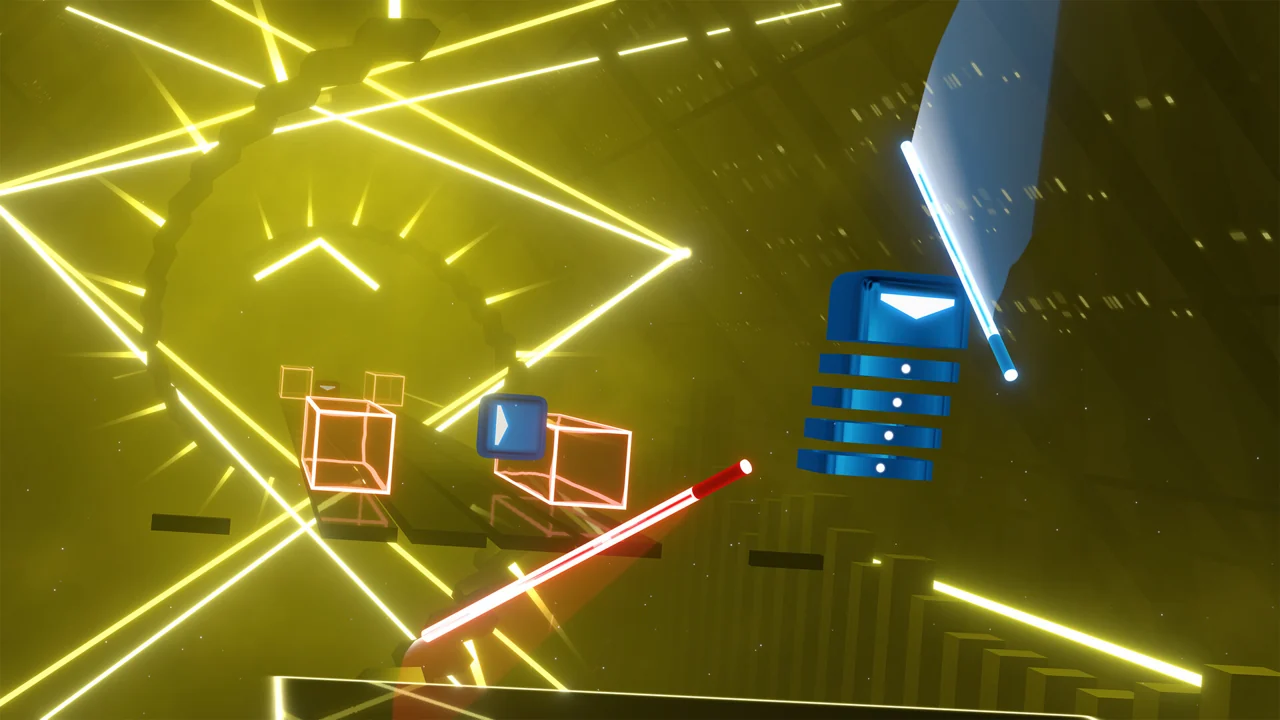
Beat Saber · Official PC promotional screenshot
An official Beat Saber PC gameplay screenshot. Players read approaching blocks' colors and arrows, then swing the corresponding hand's saber in the specified direction.
Image credit: Beat Games / Steam · Source page ↗ · Original image ↗
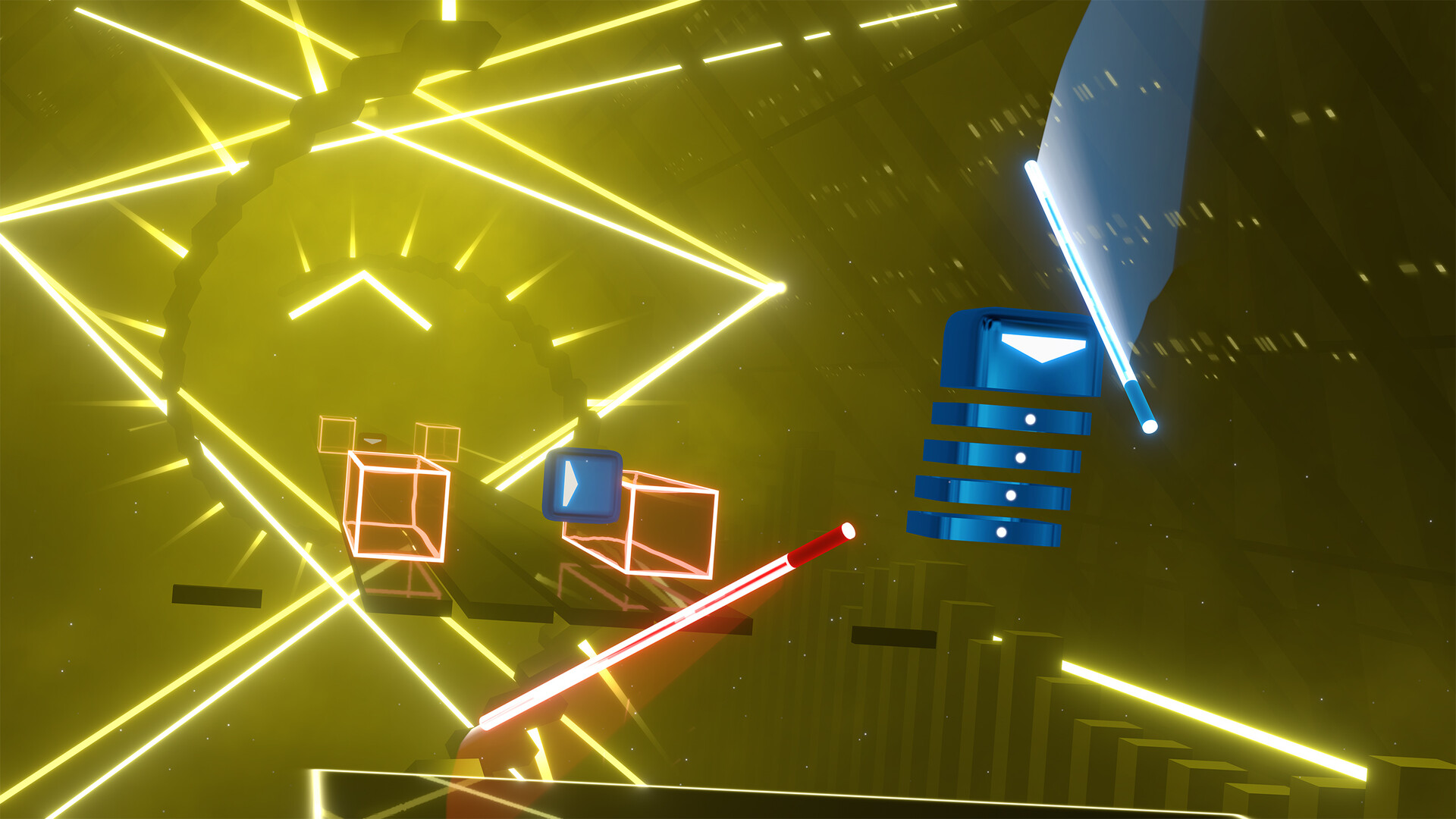
Basic controls
- Read block colors and required cutting directions.
- Move the corresponding hand's saber in the indicated direction.
- Examine movement between blocks alongside obstacles.
Directional cues and arm movements
A block's cue tells the player which hand to use and how to cut. Moving the controller through space performs the input. At the same musical tempo, larger swings and different return paths change what the sequence asks of the player.
The 2018 PS VR announcement
Beat Games' official article announced the PS VR release for November 20, 2018. This chronology uses that platform's release event. Early PC availability, other devices and later updates are treated as separate events.
Controls and features at a glance
| Element | What the player does | Play characteristic |
|---|---|---|
| Target cue | Read the block and direction signal | Decide which hand to use and how to cut |
| Movement | Move a controller through space | Direction, distance and recovery demands |
| Environment | Notes and stage presentation progress together | Combine rhythm with visual flow |
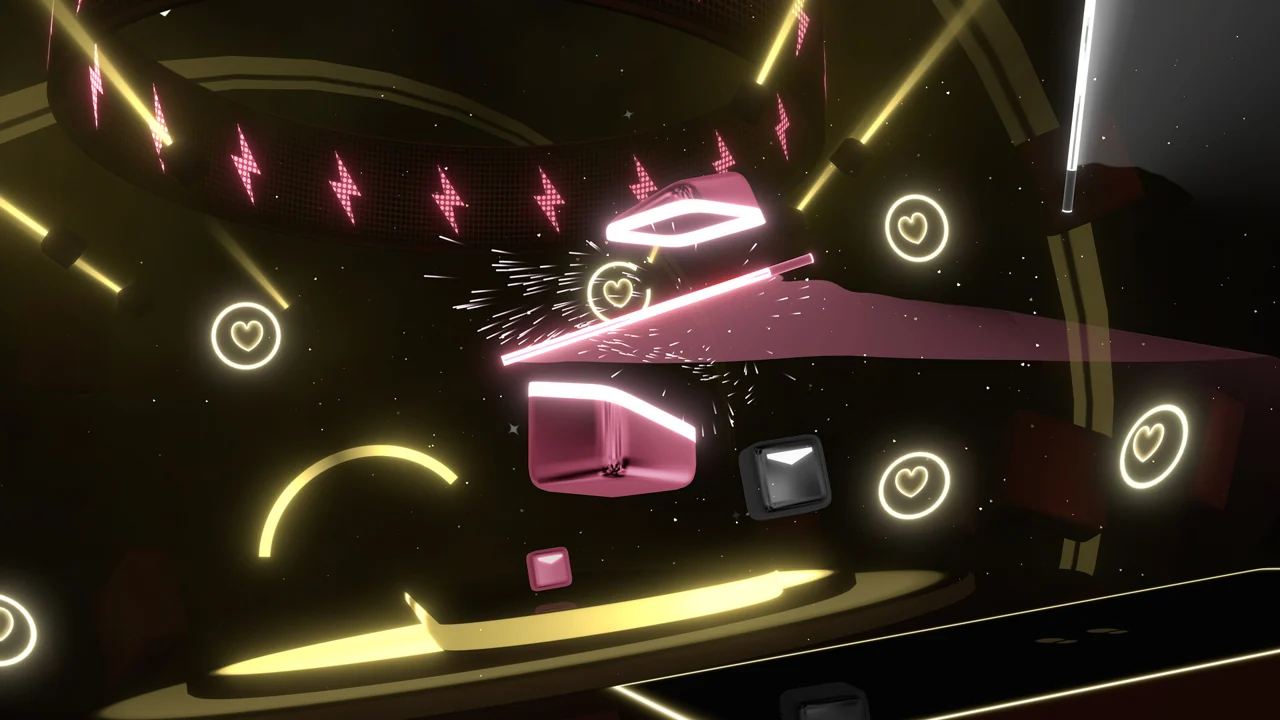
Beat Saber, ROSÉ & Bruno Mars APT. · Official PC screenshot
Actual gameplay from the APT. DLC. Notes and stage jointly create the song's visual theme.
Image credit: Beat Games · Source page ↗ · Original image ↗
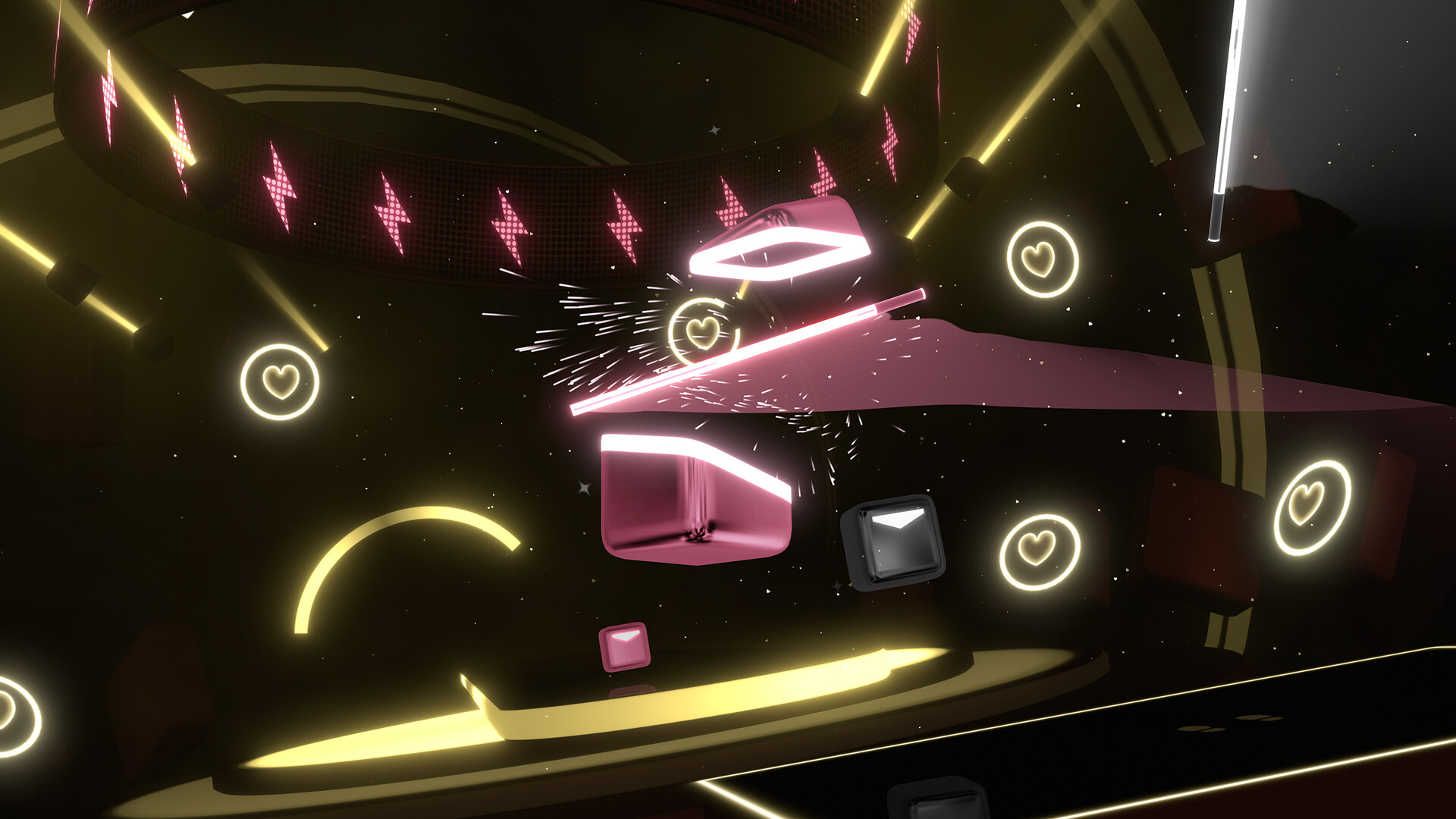
Song-specific stages and notes
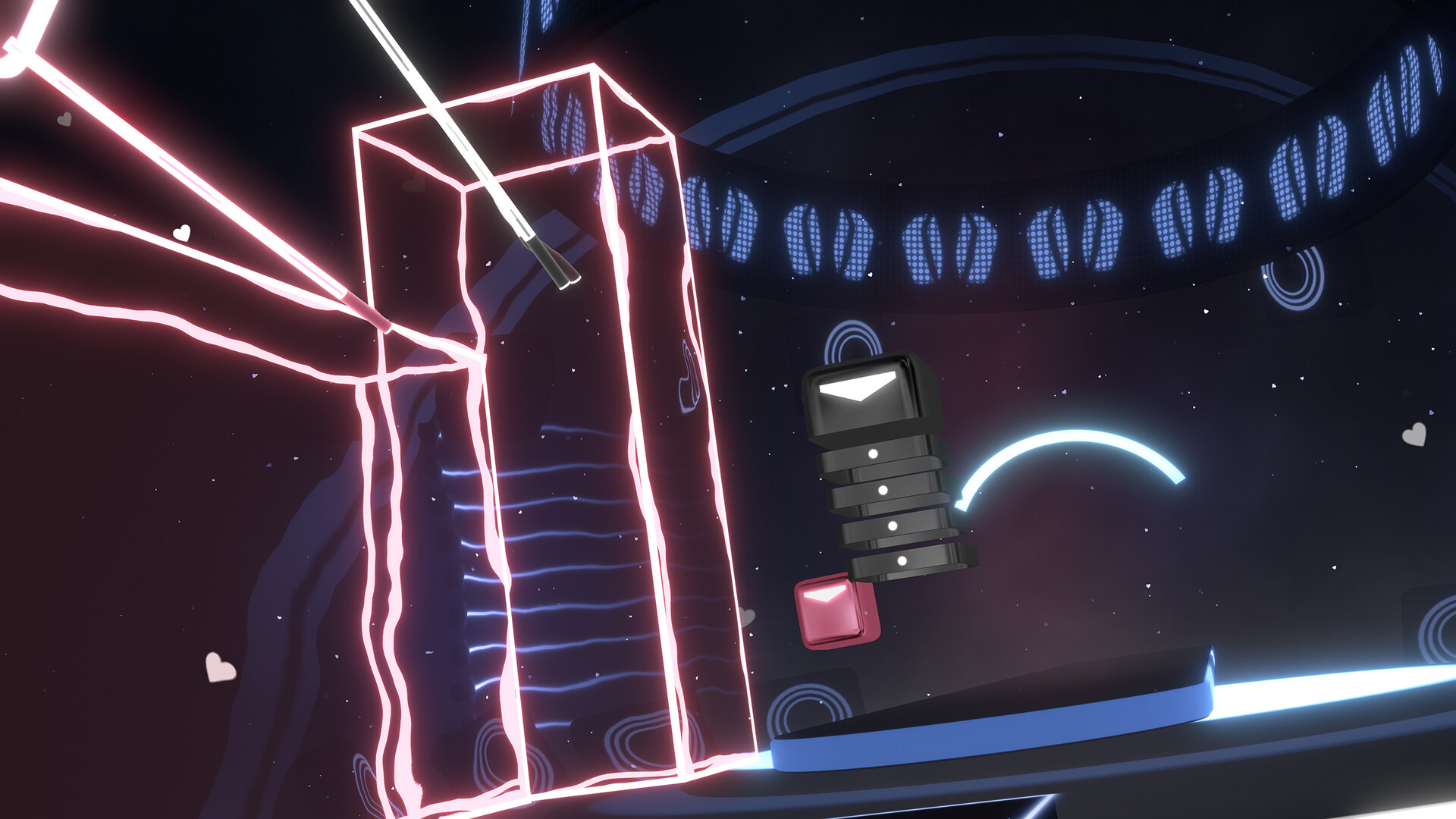
Official APT. DLC images show notes and staging built around the song's visual theme. Examine those colors and shapes alongside the underlying direction cues and hand movements used to play.
Recovery before the next input
A large movement needs time to prepare the next starting position. Mobile drags and other movement controls can likewise be described through starting point, distance and recovery time. Consider those conditions alongside tempo and device performance.
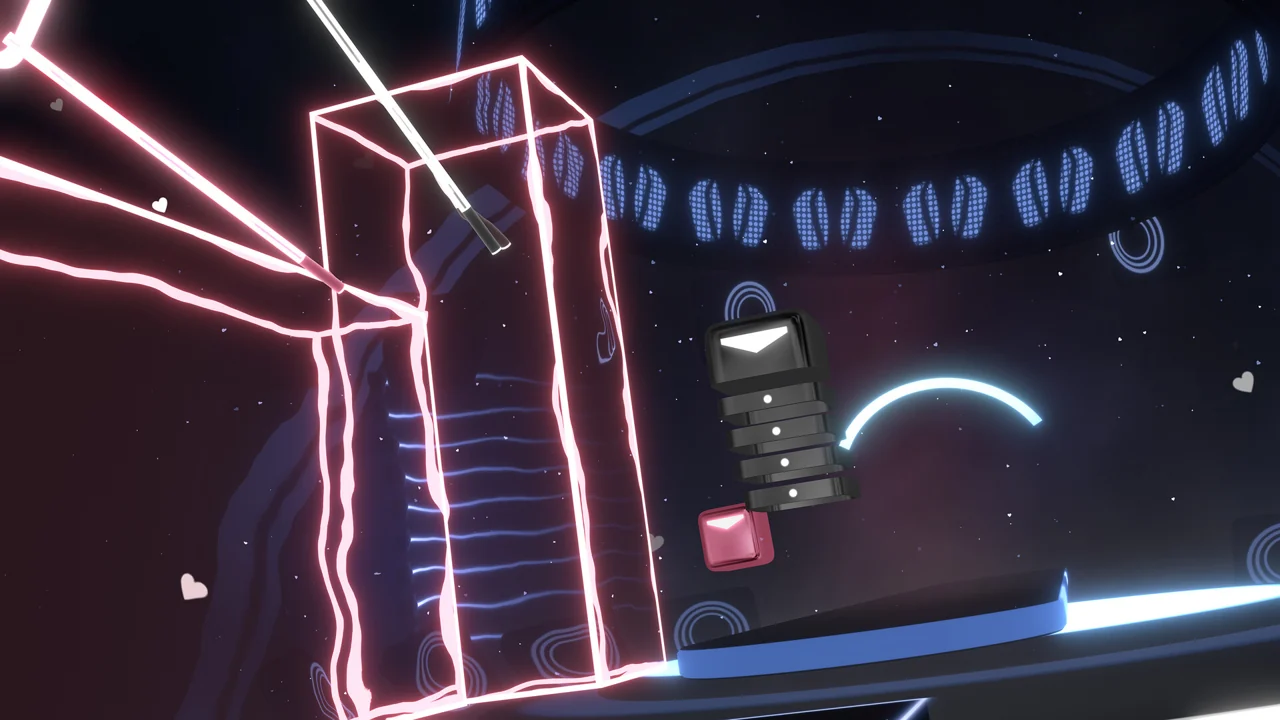
Beat Saber, ROSÉ & Bruno Mars APT. · Official PC screenshot
Another APT. DLC play scene, combining blocks with long continuous signals.
Image credit: Beat Games · Source page ↗ · Original image ↗
Effects and physical conditions
Success effects should leave the next direction cue readable. Review available space and return paths with players' range of motion and fatigue in mind, connecting visual clarity to the movement actually required.
Sources & scope
The date follows the official PS VR announcement. Later DLC screenshots illustrate song-specific visual presentation. Movement space and headset conditions remain topics for physical-device play.