Rhythm-game history / Historical analysis
Pump It Up: five panels and diagonal movement
Pump It Up's five panels place a center between four diagonals. With the same number of notes, a different route across those positions changes how the player prepares each step.
Article summary
- Its diagonal-and-center layout differs from DDR's four directions.
- The panels traversed shape the next movement.
- Distinguish current RISE PC screenshots from the early arcade starting year.
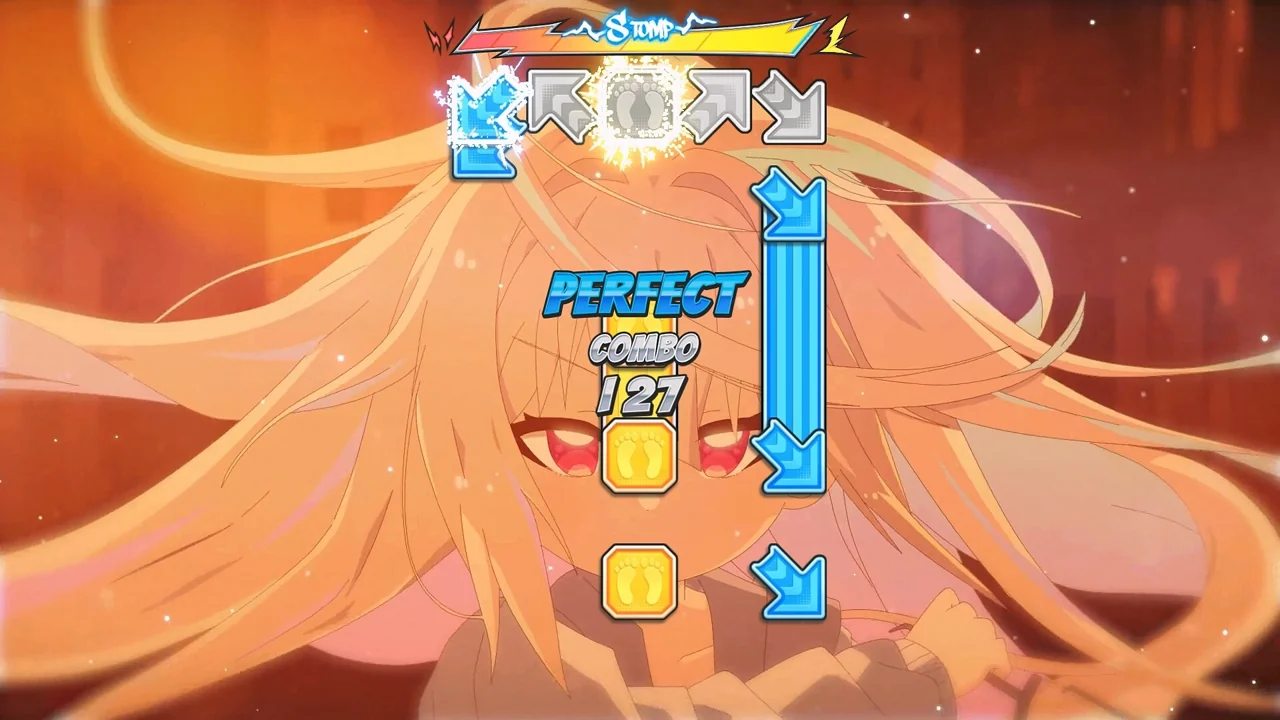
PUMP IT UP RISE · Official PC promotional screenshot
A later Pump It Up RISE PC screen. Four diagonal directions and a central yellow note move toward judgment positions above. The PC version uses keyboards and gamepads; arcade versions use dance panels.
Image credit: ANDAMIRO / Steam · Source page ↗ · Original image ↗
Basic controls
- Identify note directions corresponding to five positions.
- Use the corresponding input when a note overlaps the judgment position above.
- In the arcade version, these positions map to dance panels and body movement.
The relationship among five panel positions
The center links the diagonals. Moving consecutively between diagonal panels creates a different route from passing through the middle. Players read a sequence on screen, then connect it through physical movement.
The first Pump It Up cabinet in 1999
Andamiro's 30th-anniversary retrospective records the first Pump It Up cabinet in 1999. The US subsidiary's 20th-anniversary product announcement explains the five-panel layout. Together, they establish the series' beginning and controller characteristics.
Controls and features at a glance
| Element | What the player does | Play characteristic |
|---|---|---|
| Four diagonals | Move between front and back panels on either side | Changes in body orientation |
| Center panel | Include the central position in steps | Change the connection point of a route |
| Successive patterns | Connect several positions at equal intervals | Distinguish input count from movement demands |
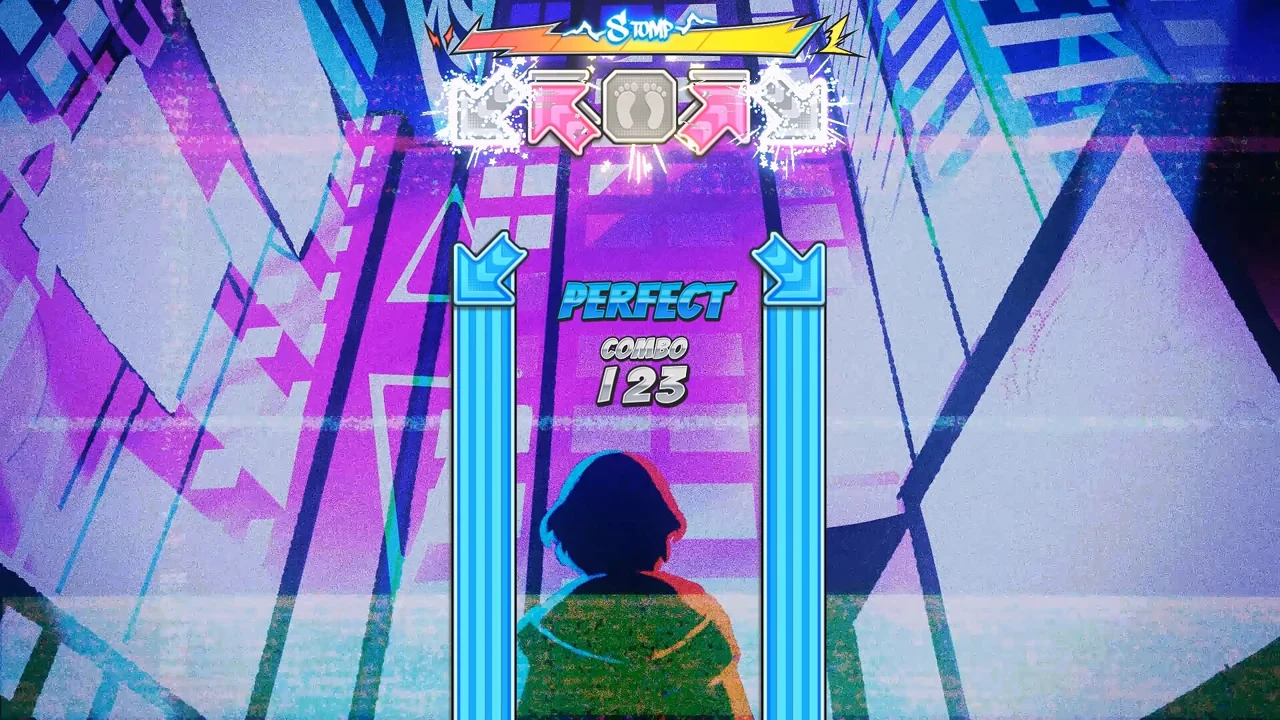
Pump It Up RISE · Official PC gameplay screenshot
A later RISE PC screen showing diagonals and a center direction. It illustrates panel relationships and judgment markers.
Image credit: Andamiro · Source page ↗ · Original image ↗
Movement paths different from DDR
DDR's up/down/left/right panels and Pump's diagonals and center establish different movement patterns. The difference is more than an extra panel: each layout changes the routes between steps. Analyze input count and spatial arrangement separately.
Directions visible in RISE on PC
The RISE screenshots show five-direction judgment markers as references for the series' spatial relationships. Arcade versions implement these through panel movement; the PC version uses its platform's input devices.
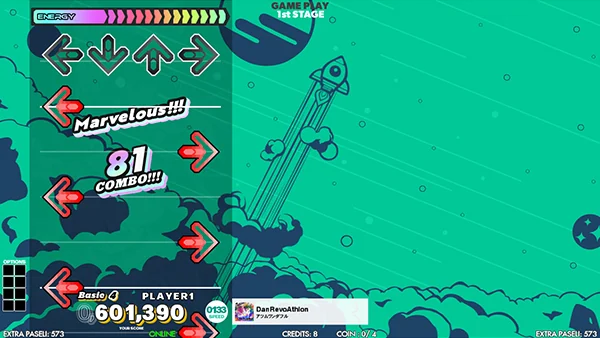
DanceDanceRevolution WORLD · Official gameplay guide
An official guide from the later DDR WORLD. Step on the matching panel when a moving arrow overlaps the fixed arrow at the top.
Image credit: KONAMI / e-amusement · Source page ↗ · Original image ↗
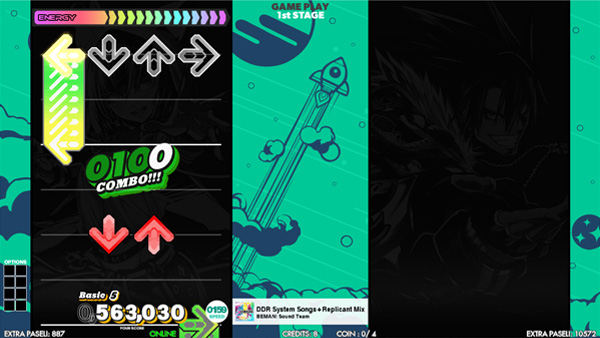
Separate input density from transitions
Repeating one hand and alternating both hands can feel different at the same spacing and count. Change positions alone to compare transitions. If density changes as well, record both so their contributions can be interpreted.
Sources & scope
The 1999 beginning, later 20th-anniversary edition and RISE PC version are introduced by product and version. Photographs and captions identify the relevant product names.