Rhythm-game history / Historical analysis
Project DIVA: songs, character performances and input cues
Project DIVA puts music-timed inputs over character performances. Returning to a favorite song or performance provides one reason to play; following the rhythm cues supplies the task within it.
Article summary
- Present music-timed input alongside character performance.
- Contrast between moving background video and essential cues matters.
- Distinguish Mega Mix+ on PC from the 2009 PSP original.
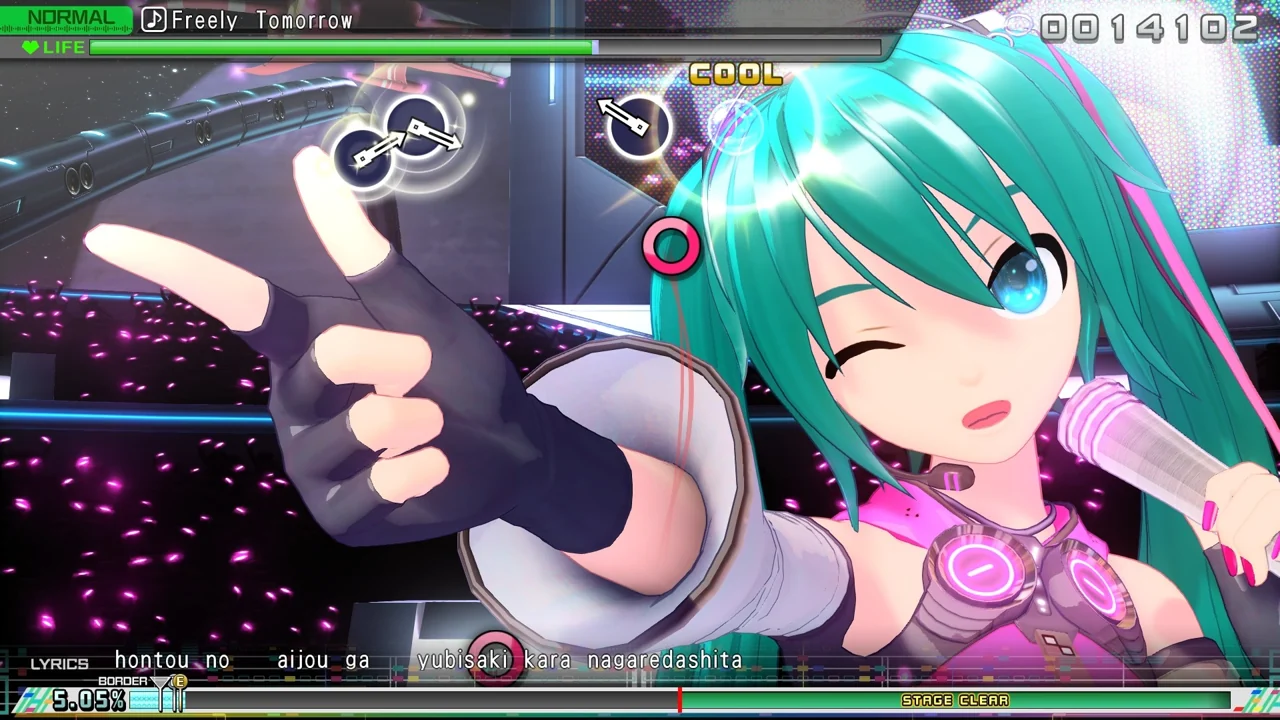
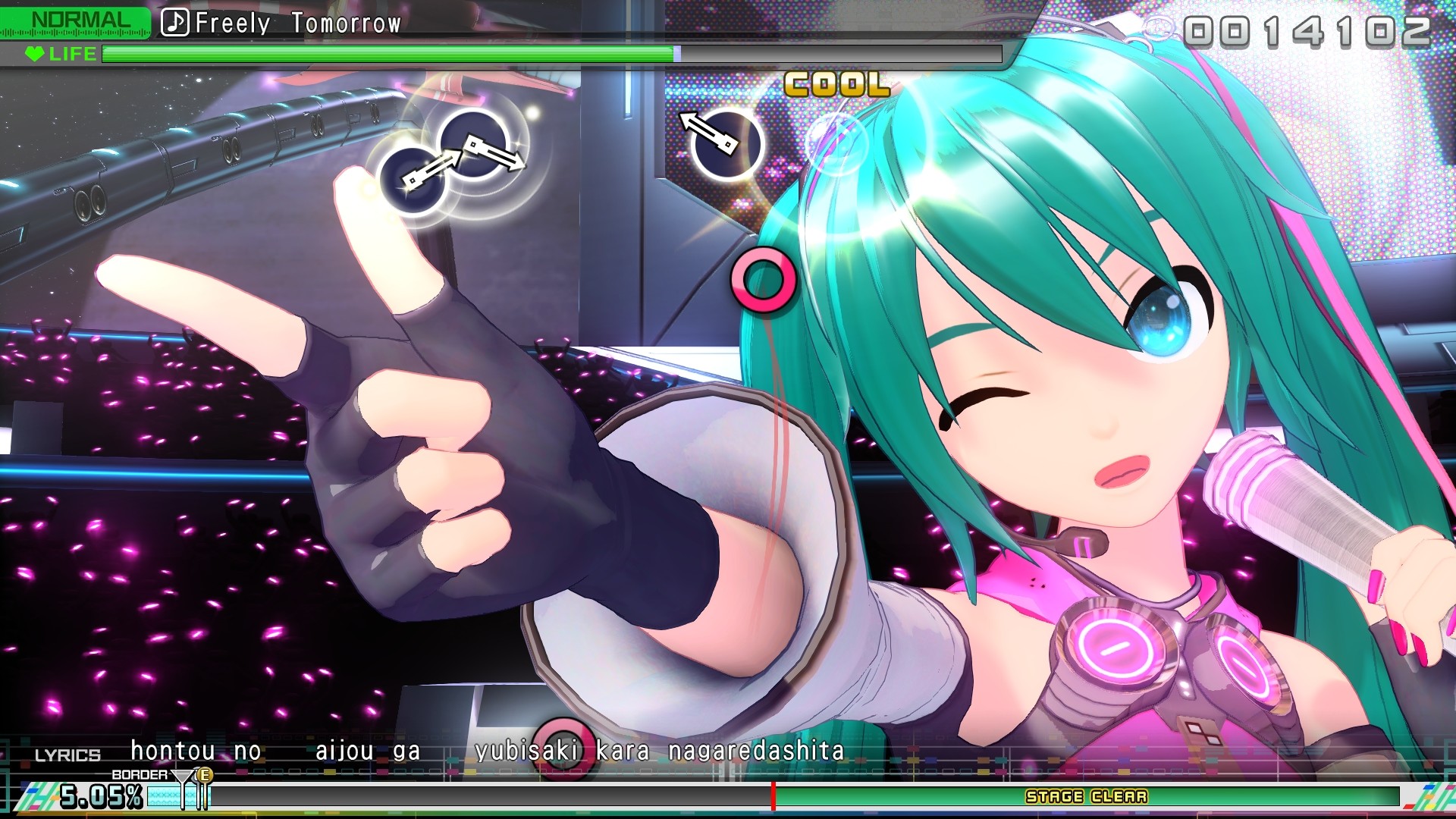
Hatsune Miku: Project DIVA Mega Mix+ · Official PC screenshot
A later Project DIVA Mega Mix+ PC screen. Button symbols and target positions overlay a performance video, communicating video and input cues together.
Image credit: SEGA / Crypton Future Media · Image provider: Steam · Source page ↗ · Original image ↗
Basic controls
- Read the button symbols and target positions on screen.
- Press the corresponding button when a moving symbol overlaps its target.
- Examine whether the song's video and play cues remain readable together.
Input cues over a performance
Players watch a performance and read input targets on the same screen. Songs and character videos can encourage another selection, while cues need to remain clear over the moving background. The design brings watching and acting together in one space.
The 2009 PSP release and later expansion
Crypton's official blog records a July 2, 2009 release. SEGA's arcade-history materials describe expansion after the PSP version and song/PV submissions. The starting date and later content pathways are established through different sources.
Controls and features at a glance
| Element | What the player does | Play characteristic |
|---|---|---|
| Music | Choose a favorite song | Motivation to play again |
| Performance | Character video and stage | The viewing experience |
| Input cues | Read essential targets over the video | Simultaneous viewing and cue-reading tasks |
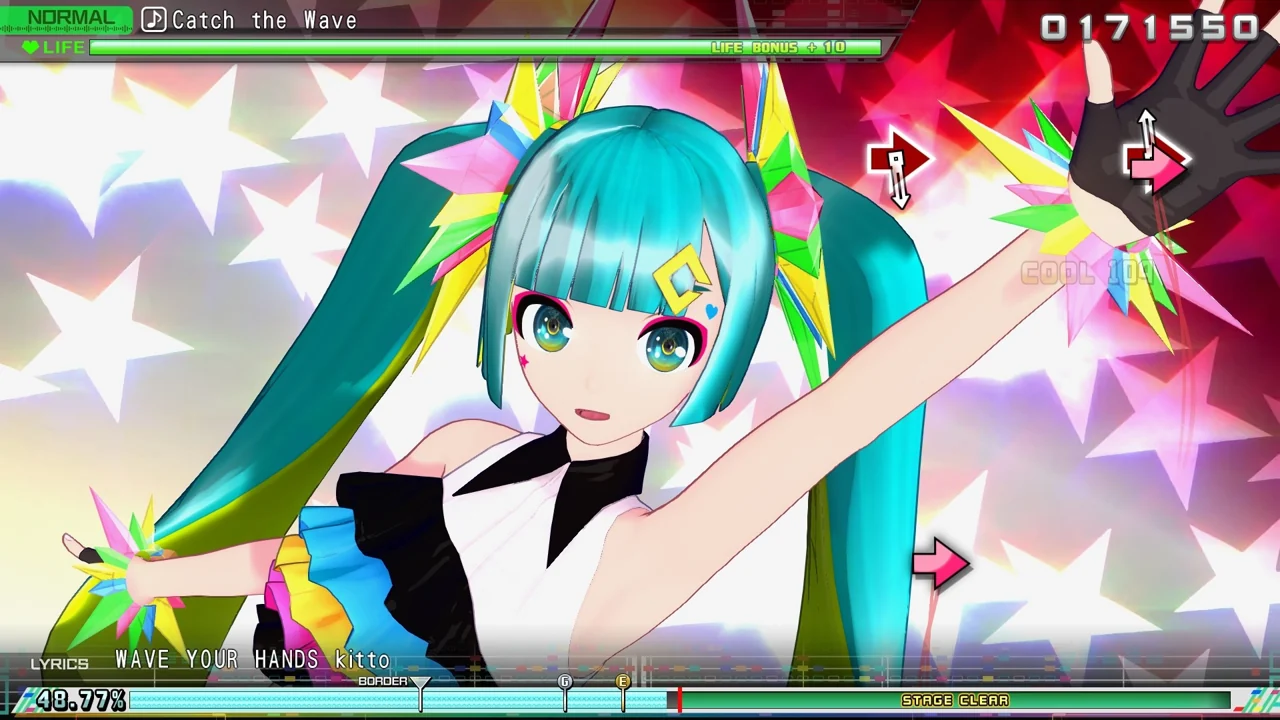
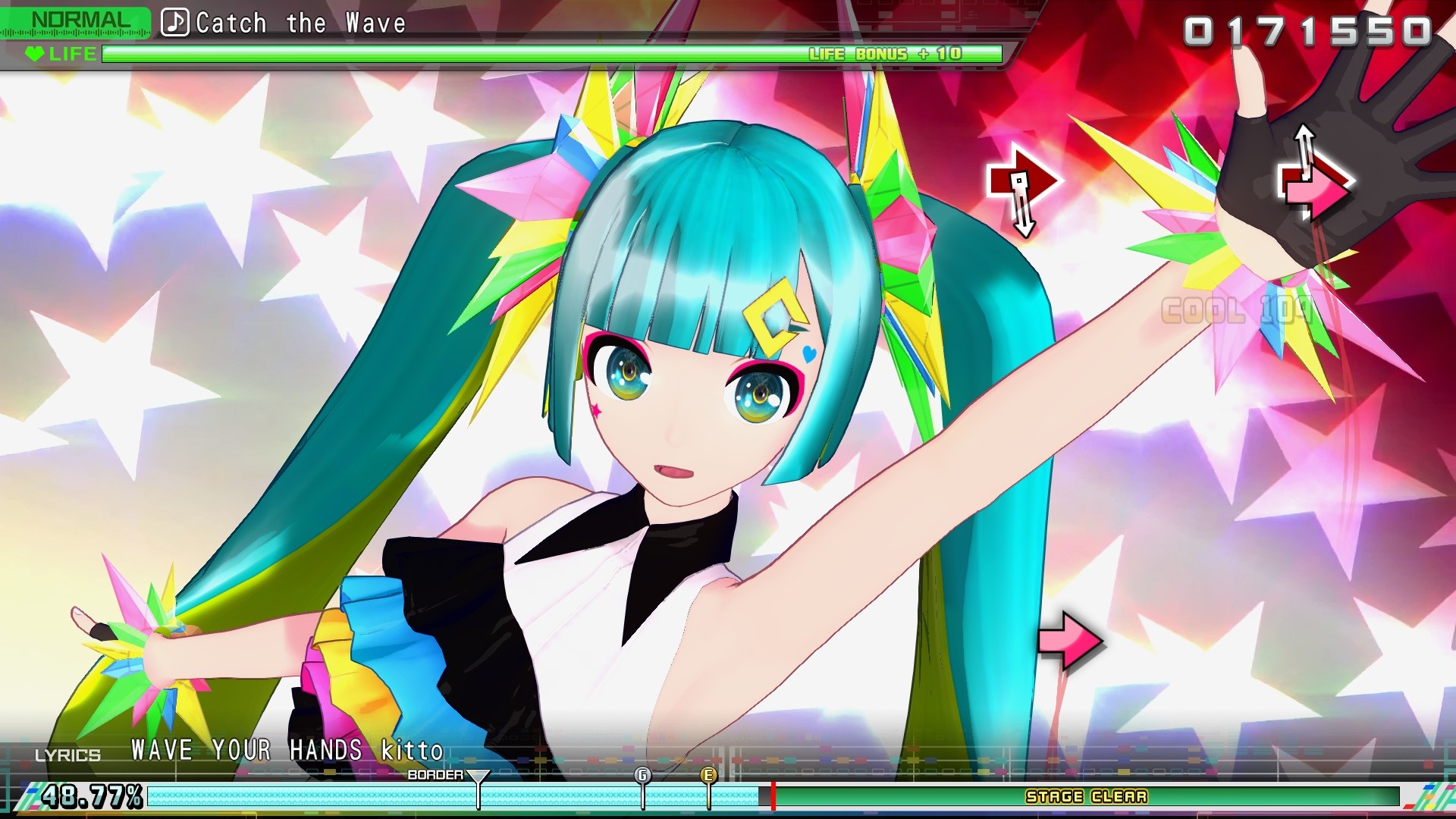
Hatsune Miku: Project DIVA Mega Mix+ · Official PC screenshot
Gameplay from the later Mega Mix+ PC release, with performance video and input cues visible together.
Image credit: SEGA · Crypton Future Media · Source page ↗ · Original image ↗
Selection and play in Mega Mix+
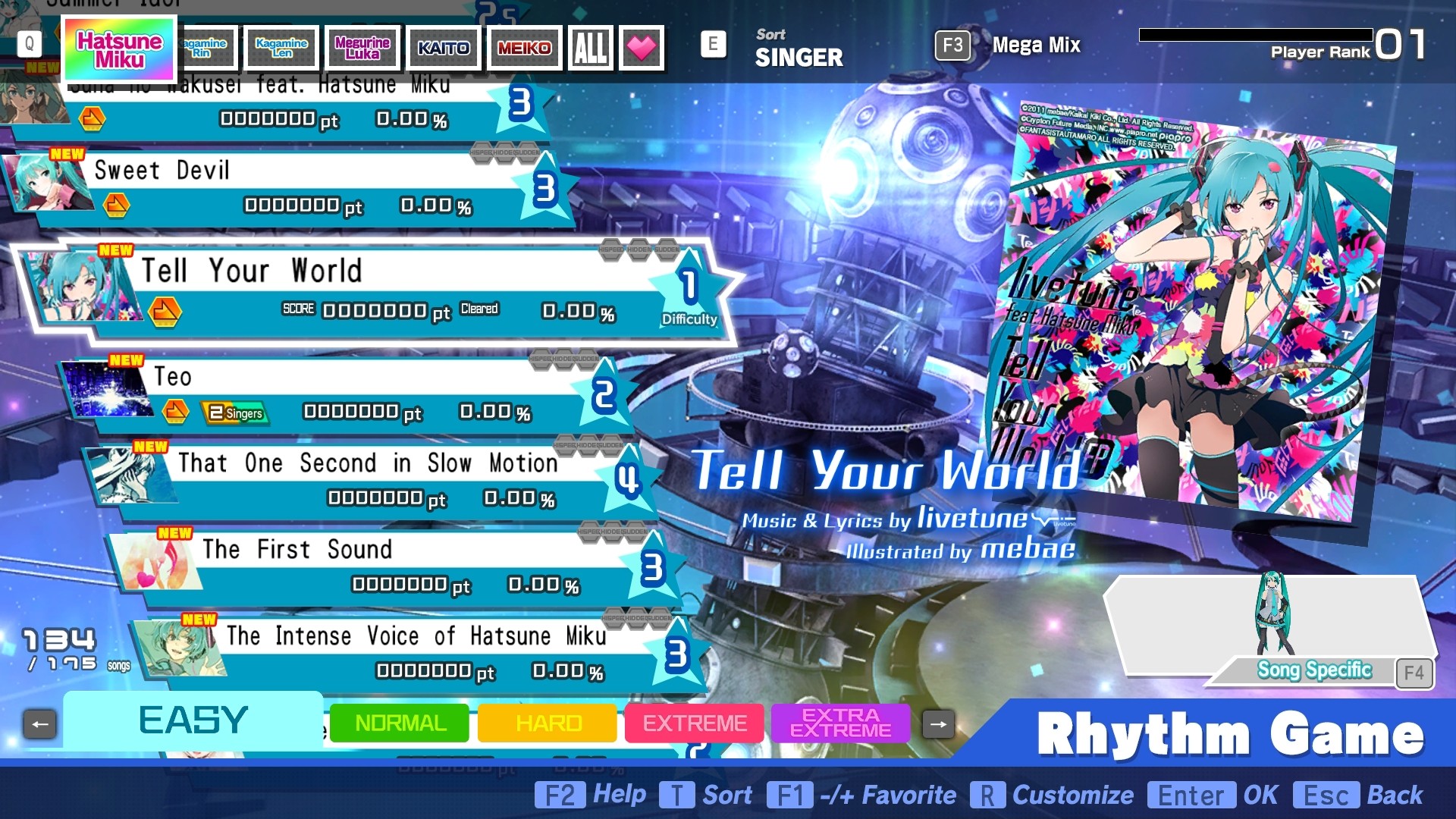
The Mega Mix+ images show gameplay and song selection separately. The menu sets up the next song and difficulty; play combines the performance video with timed targets. Each caption identifies the product and the screen's role.
Background brightness and note contrast
Essential cues need to stay clear as the performance video's brightness and motion change. Review the viewing experience alongside input layout to support expressive scenes and readable play together.
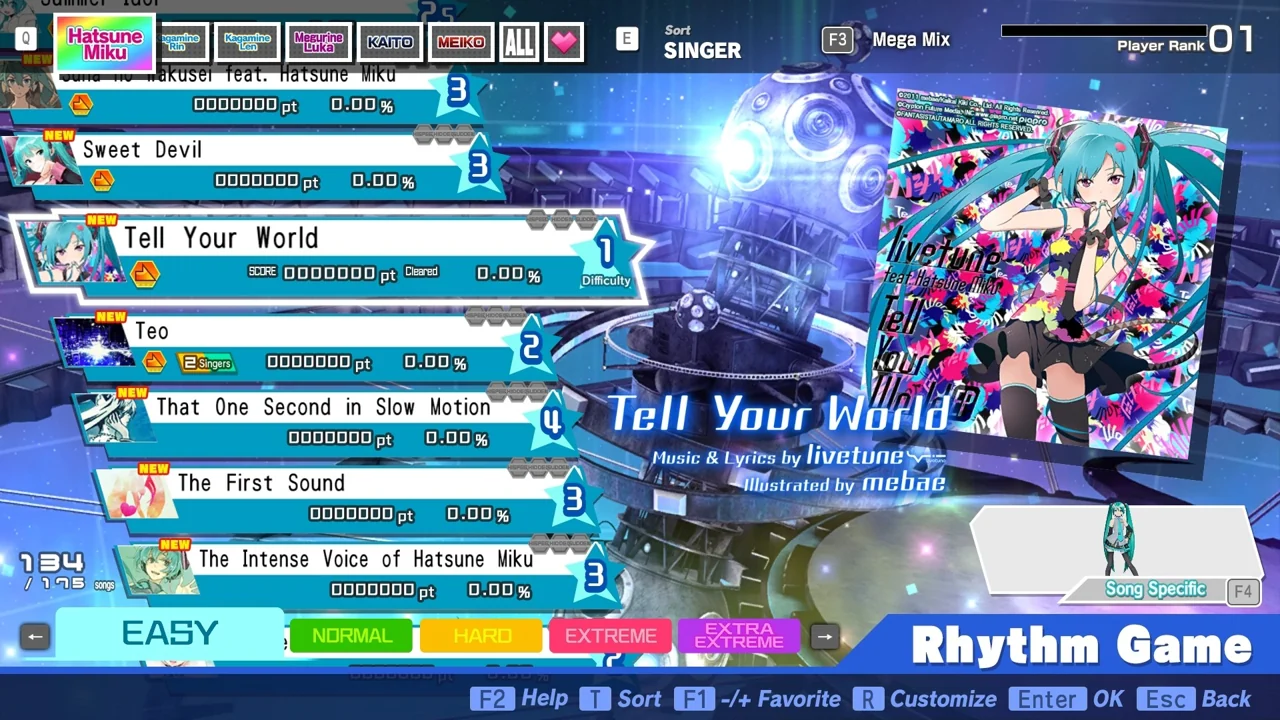
Hatsune Miku: Project DIVA Mega Mix+ · Song-selection screen
A PC menu for selecting the song and its information before play.
Image credit: SEGA · Crypton Future Media · Source page ↗ · Original image ↗
Song preference and rule comprehension
Enjoying a song and mastering a pattern provide different reasons to return. Assess rule comprehension alongside musical preference. Song and video rights, submissions and fan-work permissions each require their own checks.
Sources & scope
The 2009 PSP release date follows Crypton's record; arcade expansion follows SEGA materials. Images are from the later PC Mega Mix+ release.