Game planning / Planning guide
How to write a game design document: rules and acceptance criteria
A game design document translates the experience a team wants to create into rules, data, production requirements and tests. Published studio proposals and puzzle documents show how these pieces fit together. This guide examines those documents, then follows a feature from its initial specification through implementation and testing.
Article summary
- See how real development documents connect design intent, the sequence of play and the production plan.
- Give each overview, feature specification, content table and test record a clear role in the team's decisions.
- Use a worked 30-second exercise and template to specify state transitions and hit-window boundaries.
CAT BEAT : Wake the Beat · Development screenshot
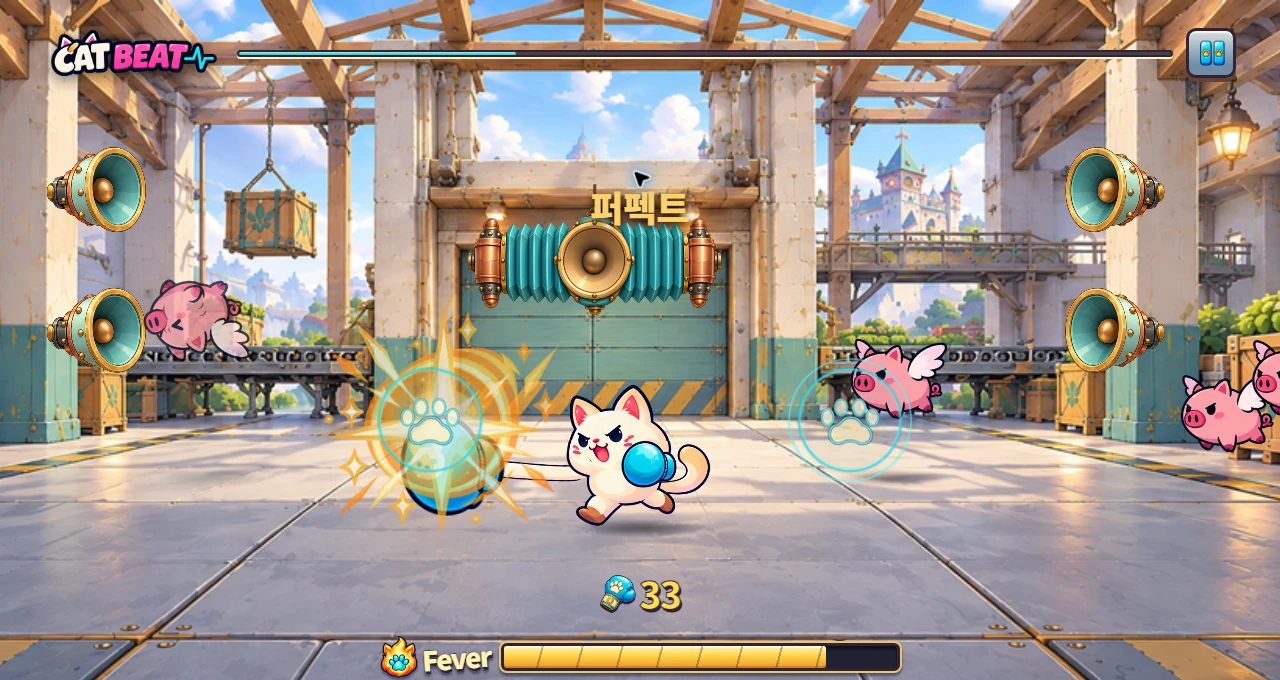
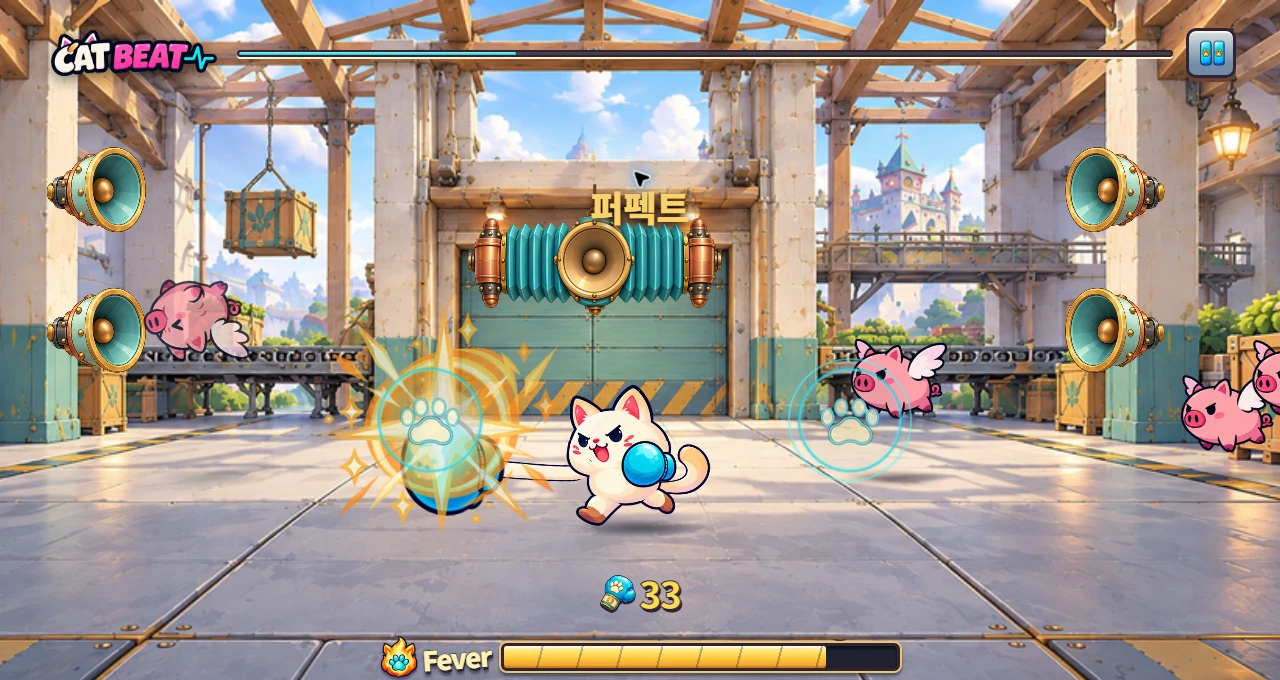
A development screenshot using the Chapter 3 boxing background. Players counter incoming targets by matching their direction and timing.
Image credit: Level Up Today · Source page ↗ · Original image ↗
What real development documents reveal
Condor's 1994 Diablo proposal covers game design, marketing and production. Its Game Design section connects dungeon exploration, character progression and preparation in town into a recurring loop. Gameplay follows character creation, movement and interaction, while Development and the schedule set out the staffing and work needed to build that experience. All appear in the eight-page original released by David Brevik.
LucasArts' 1996 Grim Fandango puzzle document works at a different scale. The Year One character list leads into a puzzle dependency diagram and a location layout. Each puzzle has a setup and a solution. Together, these describe the story's progression, the requirements for moving forward and the player's route through the world.
This article uses those two originals alongside Ubisoft's design exercise, Frictional Games' design principles, Riot Games' prototyping guidance and Warren Spector's postmortem. The state and data tables and the 30-second rhythm exercise below are our own worked examples.
Related primary sources: Condor, original Diablo proposal, 1994 · PDF pp. 1–8 ↗ · David Brevik, release of the original Diablo proposal, 2016-03-19 ↗ · LucasArts, Grim Fandango Puzzle Document, 1996 · Preserved by VGHF ↗ · Grim Fandango original · Year One characters, puzzles, locations and descriptions, PDF pp. 2–6 ↗
Design decisions to look for in each source
The table separates what the original contains from our proposed application. Unless stated otherwise, PDF page numbers count from the first page of the file.
| Type of source | What to read in the original | How it informs a design document |
|---|---|---|
| Diablo · Original early proposal | Game Design, Gameplay, Development and the schedule | Connect the core loop to controls and production planning |
| Grim Fandango · Original puzzle document | Year One puzzle dependencies and location layout · PDF pp. 3–4 | Design prerequisites and movement routes separately |
| SOMA · Studio design principles | Opening a door and the story reason for doing so | Use design principles to choose scenes and actions |
| Ubisoft · Public mentorship exercise | Define the goal, pitch and prototype plan | Match the level of detail to the decision stage |
| Riot · Studio development practices | Target players, representative playable builds and playtests | Define the questions a playable build should answer and the observations needed to answer them |
| Deus Ex · Development lead's postmortem | Proto-missions and design changes · Magazine pp. 53–54 | Use evidence from play to revise the design and production scope |
| NC · Studio description of the design role | Rules, flows and data in system and content design | Connect requirements to data dictionaries and production tables |
Choose the right level of detail
Start with the reader and the decision they need to make. An investor needs to understand the audience, the game's distinctive experience and the scale of production. A development team needs input rules, states, data and exception handling. A tester needs reproducible conditions and expected results.
Ubisoft's public Rainbow Six Siege operator design exercise separates goal definition, the pitch and prototype planning. It begins with the target audience and problem, explains the role, equipment and play experience, and then develops a plan to test the goal. This is the structure of a public mentorship assignment.
On a small project, this approach can be organized into an overview, feature specifications, content tables and test records. The overview sets priorities, the specifications define behavior, and the tables hold data used repeatedly in production. The structure below is our synthesis of the published sources.
Related primary sources: Ubisoft, Rainbow Six Siege operator design exercise · PDF pp. 1–5 ↗
Organize documents around decisions and deliverables
| Document type | What it contains | Evidence for the next decision |
|---|---|---|
| Overview and audience | Target players, the genre experience and where and how people will play | Who the experience is for and what it offers |
| Design principles | Reasons for choosing features and behaviors to observe | Priorities for features and presentation |
| Play sequence | Entry, cues, choices, actions, results and exit | Whether the complete round holds together |
| Feature specification | States, inputs, scoring rules, exceptions, visuals and sound | Shared criteria for implementation and testing |
| Content tables | IDs, units, ranges, references and versions | Repeatable production and import validation |
| Production scope | Quantities, owners, dependencies and deliverables | The schedule and the work to finish at this stage |
| Test records | Design question, conditions, observations, results and changes | Feature correctness and improvements to the play experience |
| Change history | Rule ID, revision, reason and affected areas | Consistency between the build, data and documents |
CAT BEAT : Wake the Beat · Development screenshot
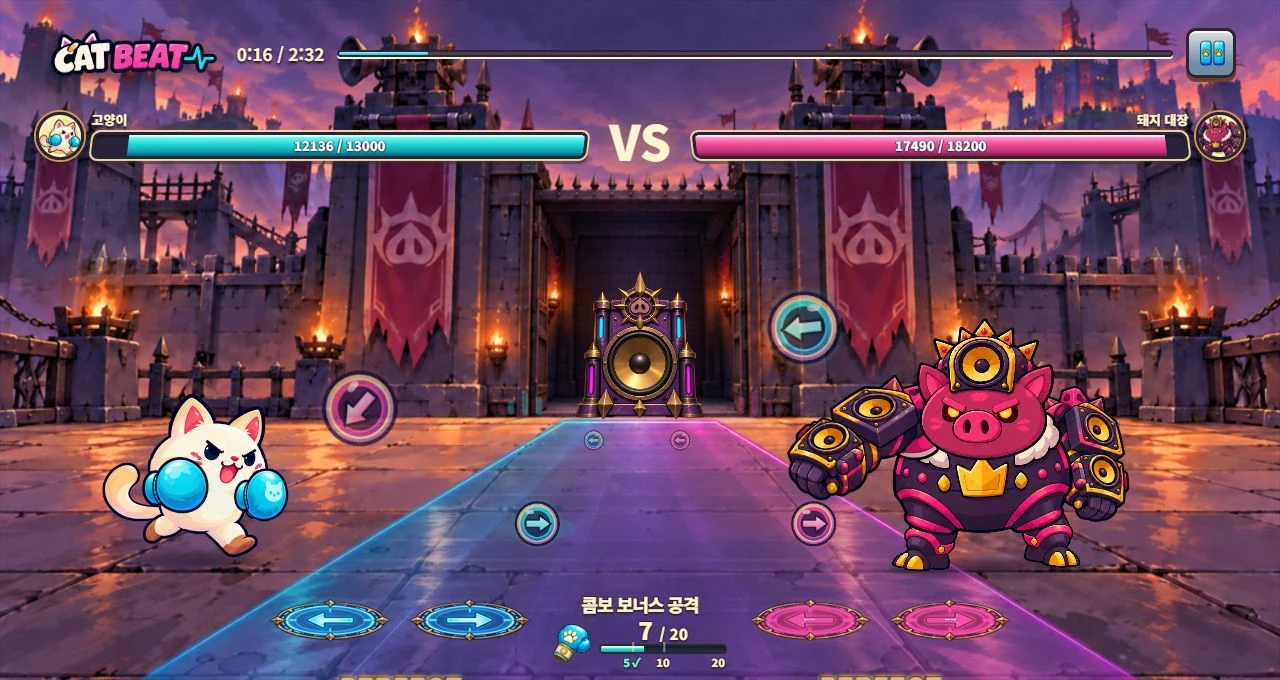
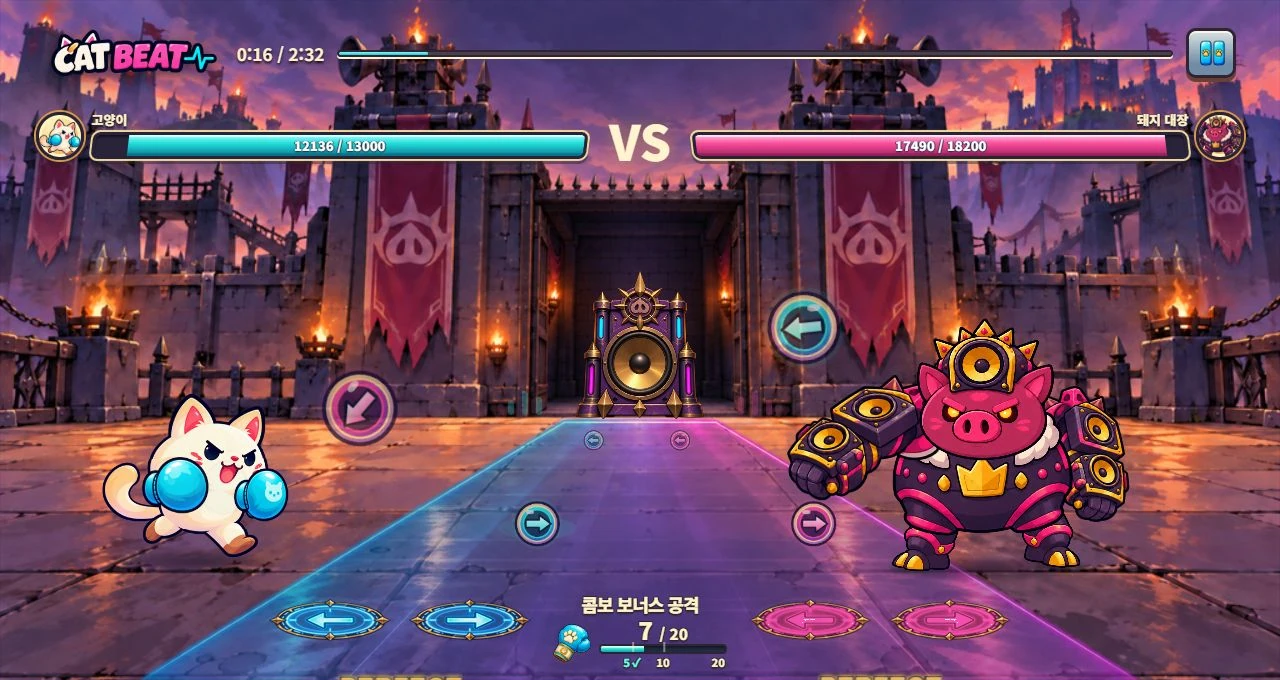
An actual development screenshot of VS Boss mode. Players remember a demonstrated pattern and counterattack.
Image credit: Level Up Today · Source page ↗ · Original image ↗
Design principles guide feature choices
Frictional Games published five design principles for SOMA that connect actions, the world and the story. Even a locked-door puzzle has a short-term reason for opening the door and a narrative reward. The principles give the team a way to assess whether each scene creates the intended experience.
For a rhythm game, possible design principles include anticipating the next beat from a short audio cue, using input feedback to improve the next attempt, and learning different patterns through the same controls. Each principle becomes useful when it names a behavior the team can observe and explains why a feature belongs in the game.
A memory challenge depends on clearly separating demonstration from response, deciding how much the player must remember and choosing how often to repeat it. A reaction challenge depends on how early targets become visible and how readily players can distinguish their direction. Recording those differences helps set priorities for difficulty and presentation, even when both modes use the same buttons.
Related primary sources: Thomas Grip, SOMA's five design pillars, 2013-12-12 ↗
Connect play scenarios to rules
Gameplay in the original Diablo proposal describes character creation, movement through town, interaction and entry into a dungeon. It also explains how movement and interaction depend on the clicked target and its distance. These ideas belong to the proposal's original turn-based design.
A play scenario gives the team a shared picture of the experience. Breaking it into rules identifies the events and states that need implementing. For a ball that the player hits at a target line, the specification needs an appearance time, a target time, an accepted input, a timing window and a way to show the result.
For each scene, specify entry conditions, information given to the player, available actions, system responses and the condition for moving on. Feedback should identify the event it communicates as well as its visual or audio form. A flash after an input conveys different information depending on whether it confirms receipt of the input or a successful hit.
Related primary sources: Condor, original Diablo proposal, 1994 · PDF pp. 1–8 ↗
Design puzzles and stages around prerequisites
The Year One puzzle diagram in Grim Fandango distinguishes tasks that follow in sequence from tasks that can proceed in parallel. The Location Layout on the next page shows movement between places separately. Reading PDF pp. 3–4 together reveals the difference between progression prerequisites and spatial access routes.
The distinction also applies to unlocks and learning order in a rhythm game: teach a single-beat input, introduce left/right changes, then unlock a combined pattern after both skills are learned. Specifying the required skills and entry conditions lets the learning sequence and menu locks use the same criteria.
Label progression links with their completion requirements and spatial links with the routes players can take. State what carries over after retries, interruptions and return visits. The diagram below shows our example of two parallel learning requirements converging.
Related primary sources: Grim Fandango original · Year One characters, puzzles, locations and descriptions, PDF pp. 2–6 ↗
A learning sequence with two prerequisites
An editorial rhythm-game example: completing both exercises unlocks combined patterns. Location changes and learning requirements are managed separately.
- Single-beat practiceLearn the relationship between target time and input
- Left/right practiceRead the direction and press the matching side
- Both requirements completeBasic input + left/right changes
- Combined patternsUse the two learned rules together
Specify what each state and input can change
A feature specification answers a practical question: what happens when this event occurs in the current state? A transition table records the state, event, conditions, values to update, feedback and next state. Programmers, designers and testers can then check the same event against the same rules.
The single-beat exercise has ready, playing, paused and results states. Each note is pending, hit or missed. An input can score only while the round is playing and the note is pending. Once a note is marked hit or missed, that result is final.
Specify input priority as well. If timing windows overlap, the game needs a selection rule, such as choosing the pending note in the same lane with the smallest timing error. State how many notes one physical input can affect and how to handle repeat events from a held key.
Define duplicate-input handling at the event level. Use the first keyboard keydown and ignore repeat events. For touch, use pointerdown for the game input and handle the resulting click separately in the UI. This exercise allows one note per input.
State transitions in the single-beat exercise
Our worked example separates round and note states and specifies the updates caused by one event.
| Current state | Event and condition | Processing and next state |
|---|---|---|
| Ready | Music position 2.0 s | Enter playing state; the first target becomes eligible |
| Playing + pending note | Input, |e| ≤ 0.100 s | Finalize one note as a hit; hits +1 |
| Playing + pending note | Current music position > target +0.100 s | Finalize one note as a miss |
| Playing | Window hidden | Stop music and judgment; preserve position; enter paused state |
| Paused | Player resumes | Continue music and judgment from the same position |
| Playing | Music position ≥ 30.0 s | Display the results for all 56 notes; enter results state |
Work out the timing for a 30-second exercise
Our fictional single-beat exercise is a 30-second, one-button build at 120 BPM. One beat lasts 60÷120=0.5 s, so 30 seconds contains 60 beats. The first four beats, from 0 s inclusive to 2 s exclusive, are preparation. Place 56 input targets at 0.5 s intervals from 2.0 to 29.5 s. For target index k=0–55, t(k)=2.0+0.5k seconds.
Compare input and target times on the same music timeline. If correction c is subtracted from the input time, error e=t_input−c−t_target. A positive c interprets the recorded input as that much earlier. The trial judgment rule is |e|≤0.100 s, including both endpoints. Choose production values through tests of the target devices' input and audio conditions and through playtesting.
Here, music position means seconds elapsed since the audio start reference. Calibration tests examine output latency and player timing tendencies separately. Keep frame numbers and audio target times in their own units, and specify how they convert to the shared timeline used for hit detection.
Exclude inputs during preparation from scoring. While playing, inspect the hit windows of pending notes; an input outside the window leaves the target state unchanged. Finalize a pending note as missed once time exceeds target+0.100 s. The ready-state exclusion takes priority, so the first target accepts inputs only from 2.0 to 2.1 s. At 2.0 s, process the transition to playing before checking input. Other targets use ±0.100 s windows. The last note's late boundary is 29.6 s; open results at music position 30.0 s.
When the window is hidden, stop music and judgment time together. The resume button continues from the same music position with the remaining notes. Record initial audio preparation, resumption and AudioContext state as items to test in the execution environment.
Check expected outcomes at the boundaries
Expected results for our trial rules. Boundary tests use a target at 5.0 s while playing. Both endpoints count as hits; preparation inputs and finalized notes are excluded from scoring.
| Input condition | Expected result | Rule being checked |
|---|---|---|
| Input at 1.0 s during preparation | Hit count unchanged | The round state controls input consumption |
| Error −100 ms / +100 ms | Hit | Hit-window boundaries are inclusive |
| Error −101 ms / +101 ms | Hit count unchanged | Out-of-window input and expiry handling |
| Repeated input on a finalized hit | Keep the original result | Finalize each note once |
| 30 seconds elapse with no input | 56 misses, 0 hits; display results | Note expiry and normal completion |
| Input while paused | Number of scored notes unchanged | Pause and resume music and hit detection together |
| pointerdown + click from the same touch | One game input only | Prevent duplicate processing across input paths |
Define data units and rules that must always hold
NC's public account of game design follows play requirements as they become rules, system flows and data. System designers define the structures and data that make the rules work. Content designers set individual values and balance them. The source describes how these roles work together within a studio.
Content tables hold values that designers produce repeatedly. A chart might use chart_id, chart_version, note_id, target time, input lane and note type as its main columns. For songs with tempo changes, include tempo segments and the convention for converting beat positions into time.
The single-beat exercise uses a fixed tempo, note_id=0–55 and target_seconds=2.0+0.5×note_id. Calculate appearance time by subtracting cue lead time from target time. Changing lead time from 1 to 1.5 s changes when the note appears while keeping its target time. Separating the values makes readability and judgment difficulty easier to adjust independently.
Import checks cover unique IDs, ordered target times, supported lanes, audio bounds and overlapping windows. If simultaneous notes are allowed, explicitly permit matching target times in different lanes. Version the conditions so the importer and editing tools use the same rules.
Treat inputs per beat, the length of uninterrupted input sequences, left/right changes, time spent memorizing demonstrations and rest sections as separate difficulty factors. Record which variables changed together and what was observed, so the next chart revision has a clear basis.
Related primary sources: NC, Game Design | The Architects of Fun, 2020-11-02 ↗
Chart data dictionary and validation rules
Our fixed-120 BPM single-beat example. CSV time values are seconds; judgment uses the same music timeline.
| Field and type | Example and unit | Validation and reference rules |
|---|---|---|
| chart_id · string | example-one-beat | Identifier used to find the chart |
| chart_version · integer | 2 | Links the build and validation records |
| note_id · integer | 0~55 | Unique within the chart; 56 total |
| target_seconds · number | 2.0+0.5×note_id · seconds | 2.0–29.5 s, ascending time order |
| lane · enum | ONE | An allowed input region |
| kind · enum | TAP | A supported single-tap note |
| display_start_seconds · number | target_seconds−1.0 · seconds | Uses the trial 1.0 s lead time |
Estimate production scope and dependencies
Development in the Diablo proposal describes staffing and work in graphics, sound and programming. Its final schedule shows overlapping tasks and their order. The production plan follows the intended play experience.
Our example limits the first build to one character, one background, one note type, input effects and a results screen. Estimate artwork by subject, direction, action and appearance. Drawing two directions, three actions and two appearances separately gives 12 combinations. Note where mirroring or shared actions could reduce that work as separate production decisions.
A new stage needs audio preparation, background placement, difficulty review and input tests as well as a chart. A work table can identify prerequisites, owners, deliverables and review points for each stage. Audio playback and its timeline, for example, must work before the team can test whether chart timing and hit detection stay in sync.
Related primary sources: Condor, original Diablo proposal, 1994 · PDF pp. 1–8 ↗
Build prototypes to answer design questions
Riot Games describes prototypes in terms of their target players, a playable version of the core change, a shared team understanding and playtest evidence. It also discusses a game scaffold: the minimum structure of a genre needed to test a new element. What to build next follows from the question the prototype needs to answer.
A rhythm prototype might ask whether a longer lead time helps players notice and hit the first target. Keep target positions and the timing window fixed, change the lead time, then record time to first input, inputs during preparation and the positions of missed notes. If participants try both conditions, record their order and any effects of practice.
Keep tests of the rules separate from tests of the experience. Automatically injecting inputs at a window's boundaries checks hit detection. Watching what players notice and when they press without help reveals how guidance and learning work. Give participant comments, observed behavior and the editor's interpretation separate fields in the record.
Calculate hit rate by dividing successful notes by eligible notes. A participant's first result reflects their device, experience and instructions together. Keep individual results and attempt numbers, then repeat the observation after a revision. This allows design decisions to account for both correct behavior and the player's experience.
Related primary sources: Riot Games, Prototype: Building a Game’s Substance, 2020-06-18 ↗ · Riot Games, Incubation: Exploration With a Plan, 2020-06-18 ↗
Use playtest results to revise the design
In his Deus Ex postmortem, Warren Spector describes evaluating systems against early goals and revising designs through proto-missions. He also recounts reducing the design document from 500 to 270 pages after reviewing playable missions. The account links evidence from play to the next production scope.
Record a rule ID, revision date, decision status, owner and test evidence. Adopted rules guide implementation; trial values define comparison conditions. For open items, identify the decision method and required evidence. Each change record should include the changed value, reason and affected tables, screens, saved data and checks.
Changing lead time affects note appearance, tutorial wording and test cases. Changing a timing window affects hit detection and the conditions used for comparisons. Where a value appears in several files, name its authoritative source. The design document, data and build should all be traceable to the same version.
Related primary sources: Warren Spector, Deus Ex postmortem, Game Developer, November 2000 · Magazine pp. 52–54 ↗
Trace a feature from its rationale through validation
Link the exercise goal as G01, its input rule as R01, judgment rule as R02 and test as T01. For example, G01 can be anticipating regular intervals; R02 can judge one pending note once within ±100 ms; T01 can compare inputs at the 100 ms boundary with inputs outside it at 101 ms. All values are editorial learning examples.
Review the feature's purpose, normal flow, exceptions, data, visuals, sound, content requirements, tests and change history together. A useful check is whether another team member can build the same example from the document and compare the results. The template below includes blank sections and a worked example in that order.
A ready-to-use design document template
A Markdown file containing a blank template and worked example, in Korean. Adapt it to your project.
Download the design document template · MD (Korean)Sources & scope
Public sources were reviewed on October 17, 2026. We read all eight pages of the Diablo original released by its creator, and focused on Year One diagrams and descriptions on PDF pp. 2–6 of the Grim Fandango original preserved by VGHF. Ubisoft's material is a public mentorship assignment. SOMA and Riot materials describe studio design and development practices; NC describes system/content design roles. Deus Ex references the development lead's postmortem on magazine pp. 52–54. Document organization, state/data/test tables and the 30-second exercise values are our worked examples. CAT BEAT images show the game in development at Level Up Today.
- Condor, original Diablo proposal, 1994 · PDF pp. 1–8 ↗
- David Brevik, release of the original Diablo proposal, 2016-03-19 ↗
- LucasArts, Grim Fandango Puzzle Document, 1996 · Preserved by VGHF ↗
- Grim Fandango original · Year One characters, puzzles, locations and descriptions, PDF pp. 2–6 ↗
- Ubisoft, Rainbow Six Siege operator design exercise · PDF pp. 1–5 ↗
- Thomas Grip, SOMA's five design pillars, 2013-12-12 ↗
- Riot Games, Prototype: Building a Game’s Substance, 2020-06-18 ↗
- Warren Spector, Deus Ex postmortem, Game Developer, November 2000 · Magazine pp. 52–54 ↗
- Riot Games, Incubation: Exploration With a Plan, 2020-06-18 ↗
- NC, Game Design | The Architects of Fun, 2020-11-02 ↗
- CAT BEAT : Wake the Beat · Development screenshot · Image source ↗