Rhythm design / Rhythm analysis
A ±80 ms timing window: boundaries and note selection
A hit window allows 80 ms on either side of a target. Do inputs at its boundaries count? What happens when one press falls inside two notes' windows? This example defines timing error on a shared timeline, then follows boundary checks, note selection and the final result.
Article summary
- The illustrative ±80 ms window spans 160 ms in total and includes both boundaries.
- Compare nearest-target and earliest-target policies in overlapping windows.
- Separate input results from note states and specify deadline-check order.
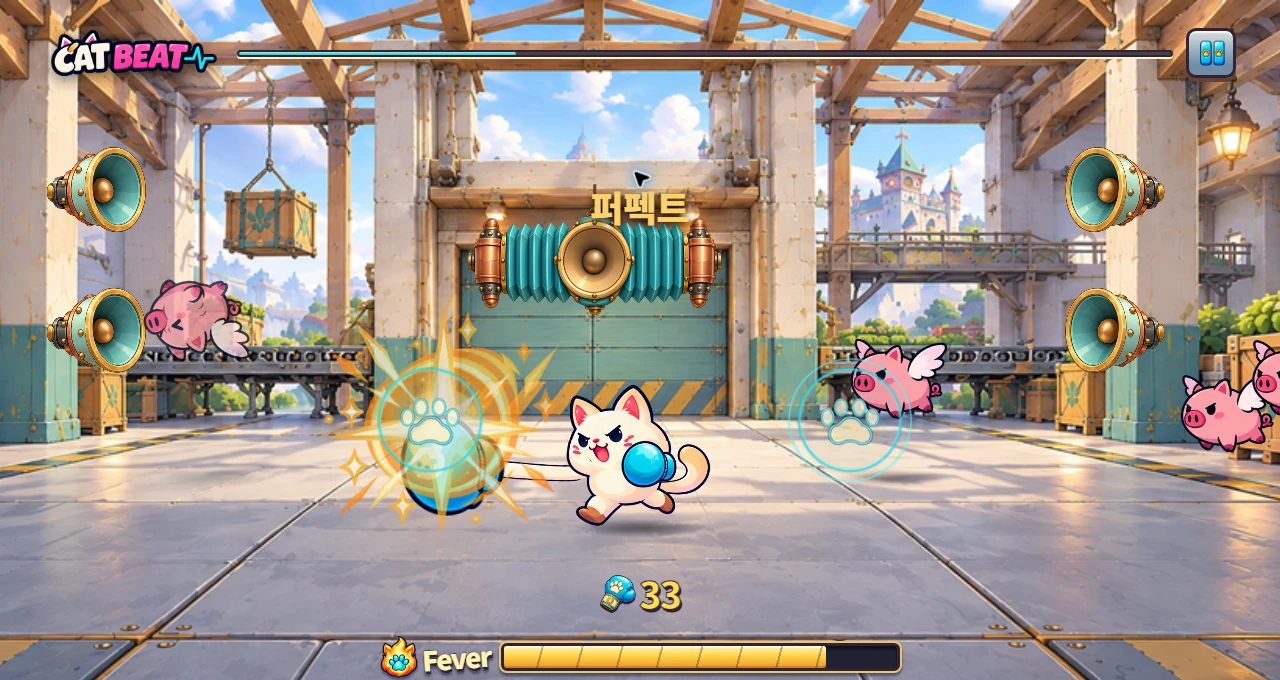
CAT BEAT : Wake the Beat · Development screenshot
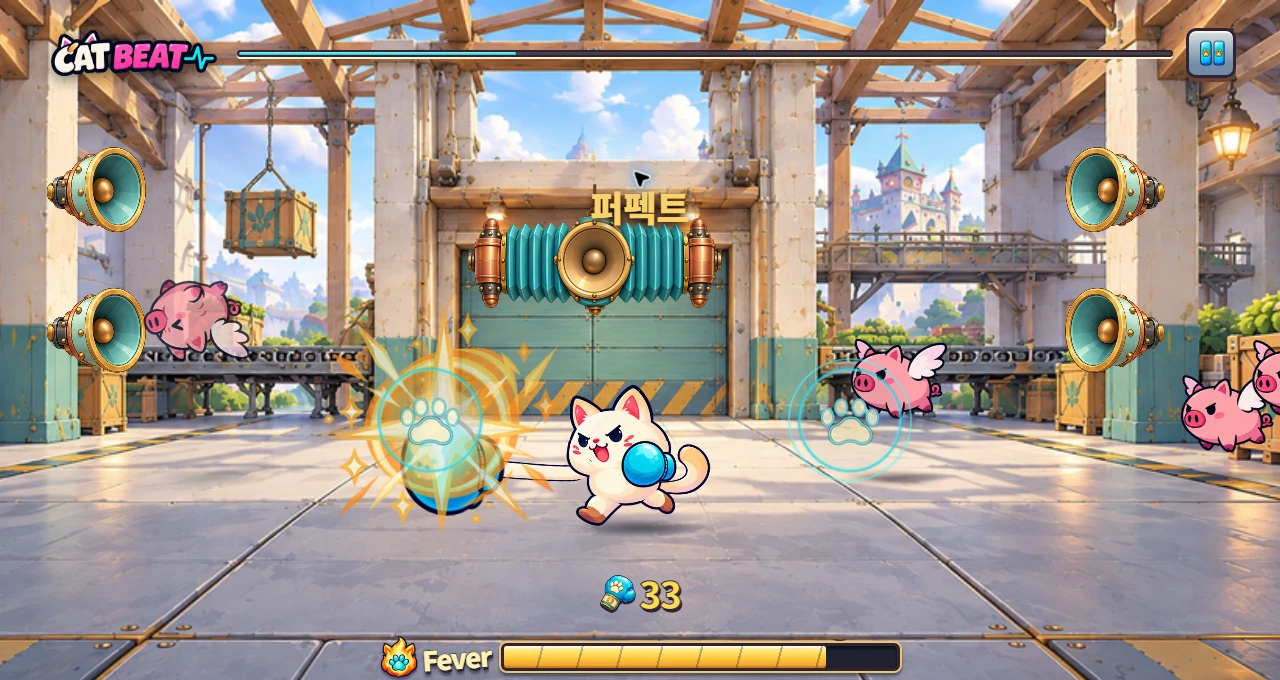
Perfect text and left/right markers communicate different information. The screenshot shows where players read those displays; the timing specification below uses separate evidence.
Image credit: Level Up Today · Source page ↗ · Original image ↗
Define the hit window around a target
CAT BEAT's paw markers and Taiko's hit position tell players when to act. The example below turns that visible cue into a single-tap timing rule: inputs up to 80 ms before or after the target count, including both endpoints. The window spans 160 ms in total.
Convert input and target to the same music-time basis before comparison. A target at 10.000 seconds and input at 10.060 seconds differ by +0.060 seconds, or +60 ms. Record late input as positive and early input as negative.
Specify boundary values and the order for finalizing misses
With the success condition |e|≤80 ms, −81 and +81 ms are outside, while −80, 0 and +80 ms are inside. If the internal unit is seconds, compare against 0.080. Specify calculation units, stored resolution and display rounding separately.
Because the late boundary is included, input at 1.080 seconds remains valid for a target at 1.000 seconds. Finalize a miss after that boundary has passed; 1.081 seconds is one example under an integer-ms specification. The contract also states the order when input processing and deadline checks share a timestamp.
Boundary tests on the same music-time basis
| Error | |e|≤80ms | Results |
|---|---|---|
| −81ms | Outside | Outside the early boundary |
| −80ms | Inside | Early boundary included |
| 0ms | Inside | Target |
| +80ms | Inside | Late boundary included |
| +81ms | Outside | Outside the late boundary |
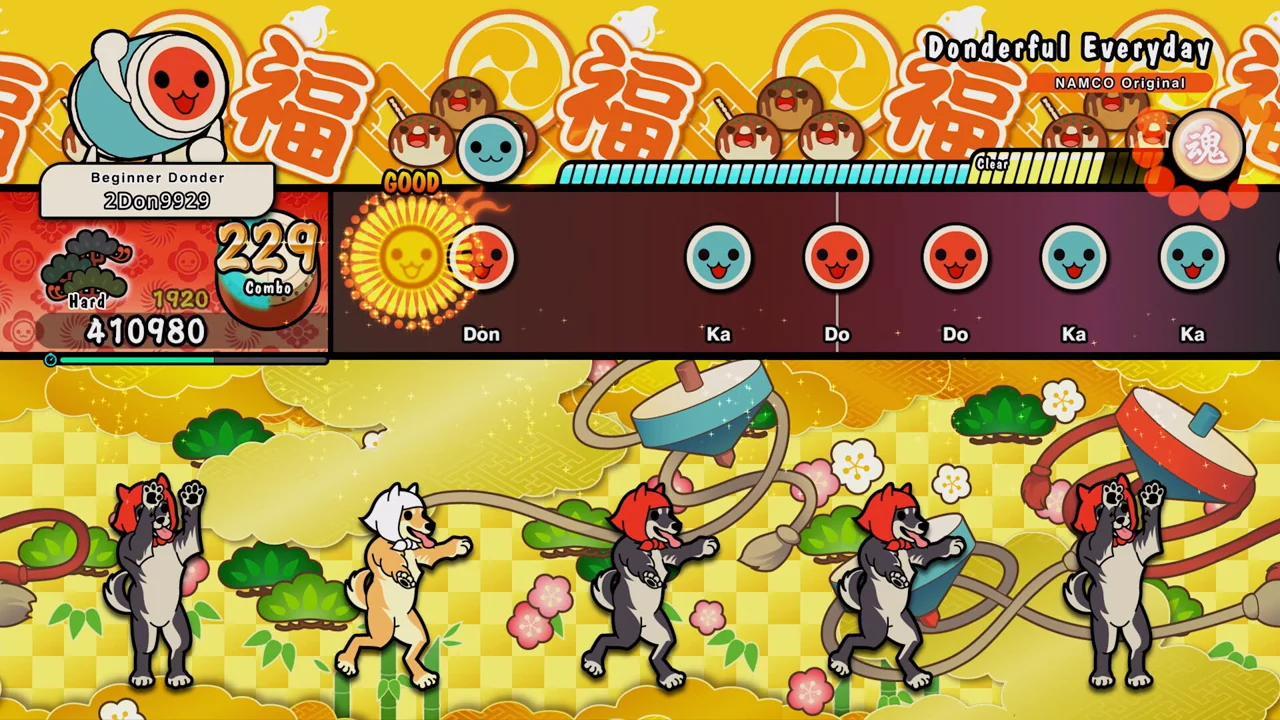
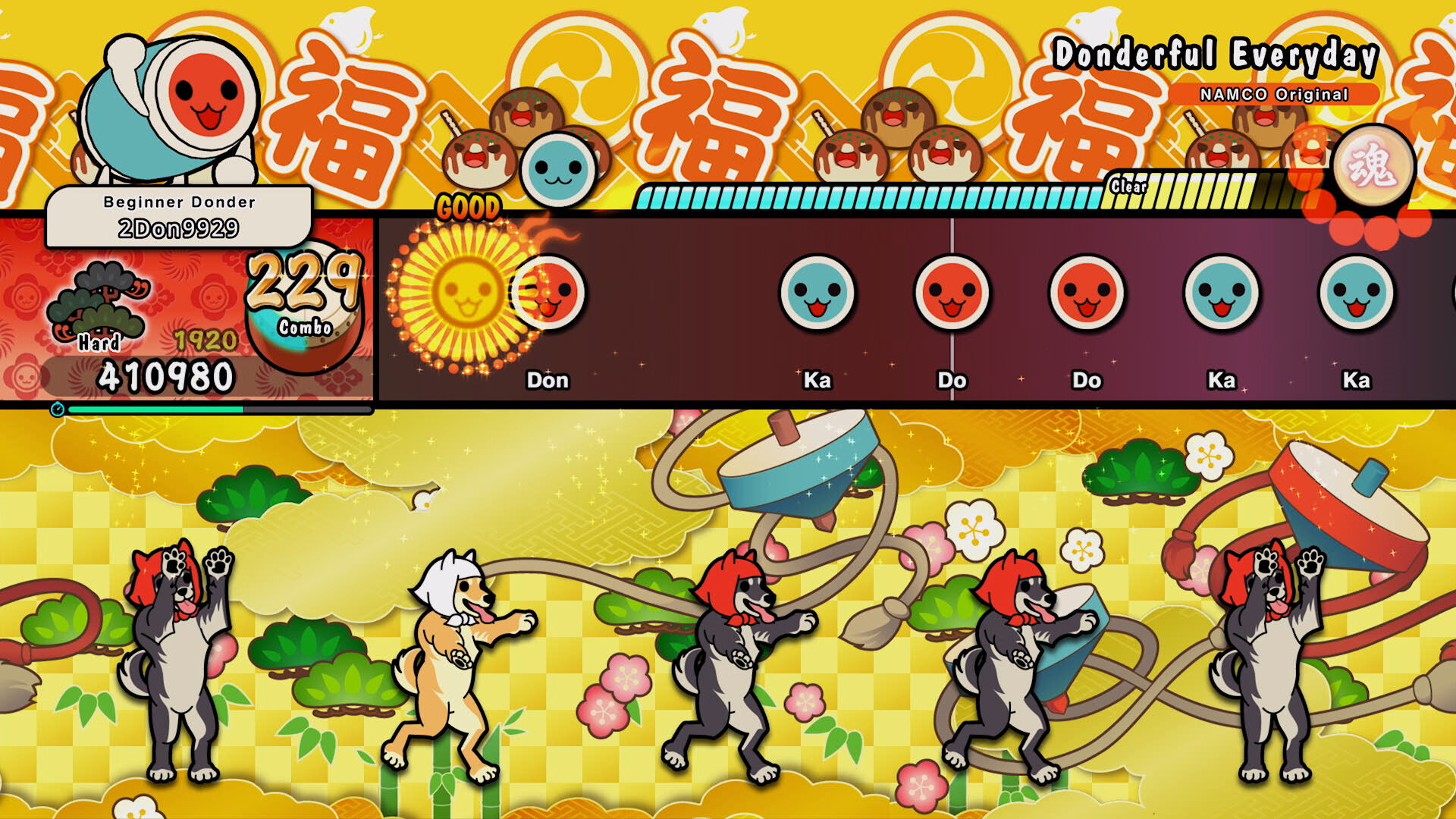
Taiko no Tatsujin: Rhythm Festival · Official PC screenshot
The horizontal lane, notes, hit position and GOOD indicator show the visible sequence of play. The overlap rules below belong to a separate comparison model created for this guide.
Image credit: Bandai Namco Entertainment / Steam · Source page ↗ · Original image ↗
Read ±80 ms and a total 160 ms on the same axis
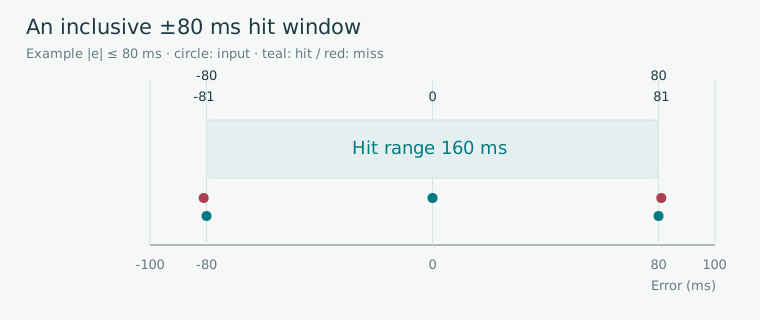
Editorial diagram · A hypothetical hit window of 9.920–10.080 seconds for a 10.000-second target. Closed endpoints count as hits.
Horizontal axis: error from target (ms). Circle=input; teal=hit; red=miss. The example target is at 10 seconds.
On smaller screens, scroll the diagram horizontally. Enlarge diagram ↗
Values and sequence shown in the diagram
- 10.060 s → +60 ms, hit
- −80 ms and +80 ms are included
- −81 ms and +81 ms are outside
Selection policy changes the result in overlapping windows
For pending same-direction targets A=1.000 seconds and B=1.100 seconds, the windows are 0.920–1.080 and 1.020–1.180 seconds. Their overlap is 1.020–1.080 seconds. An input at 1.070 seconds is +70 ms from A and −30 ms from B, making both candidates.
The nearest-target policy selects B; the earliest-target policy selects A. A subsequent press at 1.110 seconds processes B under the earliest policy. Under the nearest policy, B is already hit and A's window has closed, leaving no valid candidate. Identical windows can therefore produce different input-sequence results.
Where a 1.070-second input is a candidate for two notes
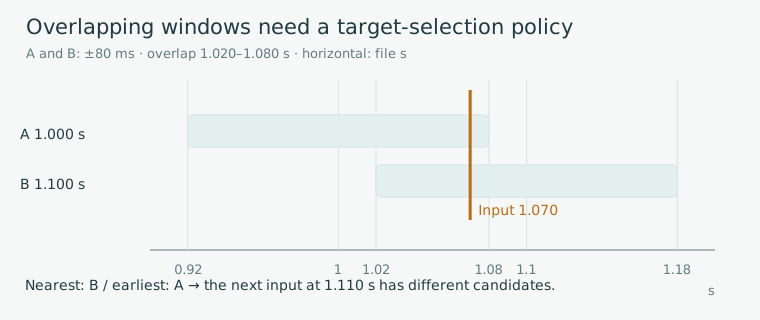
Editorial diagram · A hypothetical comparison of two pending same-direction taps with inputs at 1.070 and 1.110 seconds.
Horizontal axis: music time (seconds). The two rows show A and B hit windows; the line marks input at 1.070 seconds. The explanation and table give the subsequent selection at 1.110 seconds.
On smaller screens, scroll the diagram horizontally. Enlarge diagram ↗
Values and sequence shown in the diagram
- A window 0.920–1.080 / B window 1.020–1.180
- Overlap: 1.020–1.080
- Nearest: B → no valid candidate / earliest: A → B
Separate an input's result from a note's state
Log the candidate search, policy-based selection, timing rating and final note state in sequence. Pending, hit and miss describe notes. Wrong-direction or excessively early inputs can have separate results in the input log.
This example lets one physical input process one single-tap note. Holds, releases and simultaneous groups need additional events and states. Check that a finalized note or duplicate request ID can never add the same result again.
Event records by policy
| Event | Nearest-candidate policy | Earliest-candidate policy |
|---|---|---|
| Input at 1.070 s | B hit, A pending | A hit, B pending |
| Boundary at 1.080 s | A remains valid through its late boundary | A is already hit |
| Deadline check after the boundary | Finalize A as missed | B's window remains open |
| Input at 1.110 s | Exclude hit B and missed A | Finalize B as hit |
Check the version and code path
osu!'s HitWindows.ResultFor compares absolute values inclusively against WindowFor boundaries. The official Notelock document describes how earlier objects and overlapping windows affect input selection, including differences between stable and lazer.
Boundary-checking code and note-selection documentation describe different layers of the system. Our nearest/earliest comparison is a separate specification example. To analyze a product, record the version, rules and relevant code path together.
Related primary sources: ppy/osu · HitWindows.cs · ResultFor / WindowFor ↗ · osu! · Notelock, including stable/lazer ↗
Test the timing rules, then evaluate them on the device
Calculation tests cover ±80/81 ms, overlapping inputs, wrong directions, duplicate requests and miss deadlines. Adding an arbitrary tolerance changes the defined window. Choose a comparison policy that fits the stored precision and units.
Before choosing a window for production, align the audio-file origin, output conditions and input timestamps, then examine timing errors and misses among the intended players. The 80 ms value here is illustrative. Evaluate the feel with the target devices, charts and play goals.
Sources & scope
Sources reviewed 2026.10.17: ResultFor, WindowFor comments on the master path, and official Notelock causes and lazer comparison. The ±80 ms and A/B processing sequences are editorial models of same-direction single taps. Judgment values in the pictured games, complete code paths for specific releases and device feel require separate checks.